
How to display Canva designs as a slideshow on TV screens
CREATE FREE ACCOUNT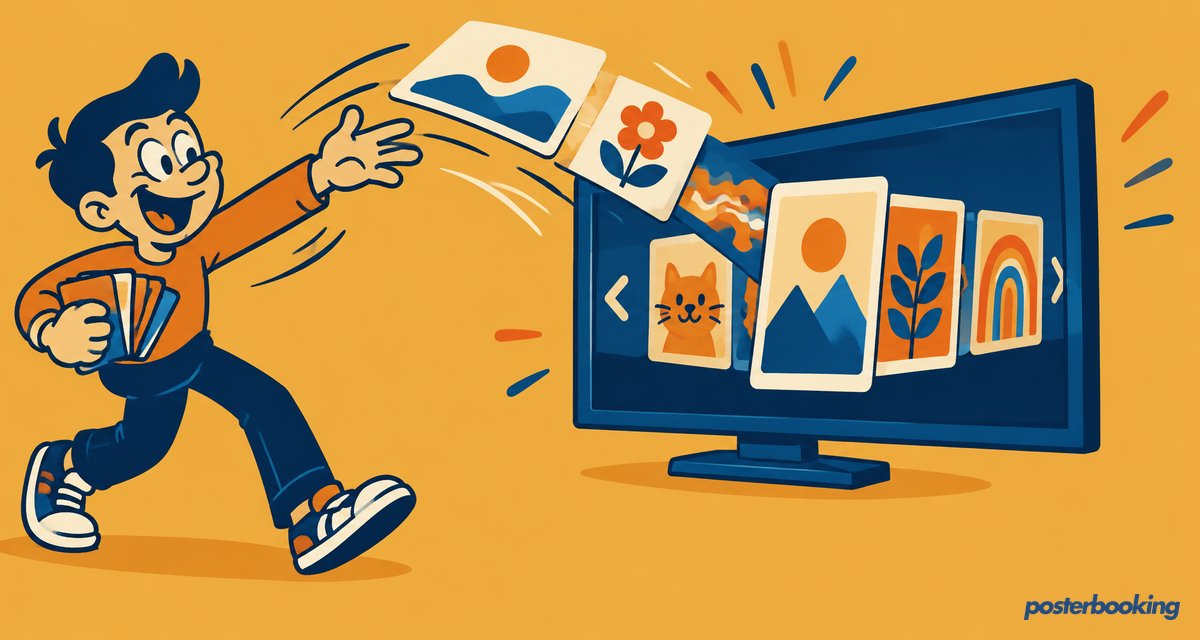
Quick answer: To show Canva designs on a TV as a slideshow, install the PosterBooking app on a device such as an Amazon Fire TV Stick, upload your Canva files to the PosterBooking dashboard and publish them to your screen. The designs then loop automatically, and your first 10 screens are free.

Canva is a powerful graphic design platform that has revolutionized the way people create digital signage posters, slideshows, menus, and other creatives. With its user-friendly interface and vast library of templates, images, and graphics, anyone can create professional-looking designs without prior design experience.
One of the best ways to showcase these designs is on TV screens, and Canva makes it easy to do so. Whether you're a business owner looking to promote your products, or a teacher looking to create engaging presentations for students, Canva has you covered.
Once you have created your design in Canva, you can publish it on TV screens using the free software from PosterBooking.com. The software can be downloaded onto a Firestick, which is an affordable and easy-to-use device that connects to your TV and allows you to stream content from the Internet.
The first step in using PosterBooking.com to display your Canva designs on TV is to download the software onto your Firestick. This can be done by visiting the PosterBooking.com website and following the instructions to download the app.
Once the app is installed, you can log in and start uploading your designs. The software allows you to upload a variety of file types, including JPG, PNG, and MP4, so you can easily upload your Canva designs. You can also set up a playlist of designs, so that they will automatically rotate on the TV screen.
Once your designs are uploaded, you can easily publish them on your TV screens. The software allows you to control the display settings, so you can adjust the timing, transition effects, and other options to suit your needs. You can also choose the specific TV screens that you want your designs to be displayed on, giving you complete control over your digital signage.
One of the great things about using Canva and PosterBooking.com together is that you can update your designs and playlists from anywhere, at any time. This means that you can easily make changes to your designs, or add new ones, without having to physically go to each TV screen.
Another advantage of using PosterBooking.com is that it provides detailed analytics and reports, so you can see how your designs are performing and make any necessary changes. This can be incredibly useful for businesses, as it allows them to track the success of their digital signage campaigns and make data-driven decisions.
In conclusion, Canva is an incredibly useful tool for creating digital signage posters and slideshows for TV, and PosterBooking.com provides a simple and effective way to publish these designs on TV screens. Whether you're a business owner, teacher, or anyone else who wants to create engaging digital content, Canva and PosterBooking.com are two powerful tools that can help you achieve your goals.
Who we are
PosterBooking turns any TV screen into a digital sign. Allowing you to display images and videos for a variety of uses including for advertising, restaurant menus, general messages and more. You simply plug in a device like an Amazon Firestick into the TV, and download the app and upload content via the PosterBooking dashboard.
Frequently Asked Questions
How do I display my Canva designs as a slideshow on a TV screen?
You can display Canva designs on a TV by using the PosterBooking app on a device like an Amazon Firestick. Once the app is installed, you upload your Canva files to the PosterBooking dashboard and publish them to your screen.
Is there a free version of PosterBooking for my digital signage?
PosterBooking is free for up to 10 screens, though these screens will show a watermark after a three month trial period. If you need to use 11 or more screens, the cost starts at $6.49 per screen per month.
What file formats can I upload to PosterBooking from Canva?
The software supports various file types including JPG, PNG, and MP4 video files. This allows you to easily export your creations from Canva and upload them directly to the platform.
What devices are compatible with the PosterBooking software?
PosterBooking works on a wide range of hardware including Fire TV Stick, Amazon Signage Stick, Android TV, Chromebox, Windows, and Raspberry Pi. You simply download the app onto your chosen device to turn the connected display into a digital sign.
How long does it take to set up PosterBooking on a Firestick?
Setting up the software is very fast and typically takes about 2 minutes. Once the app is downloaded to your device, you can immediately begin uploading content and managing your playlists.
Display signage live in less than 2 minutes
Seconds to sign up. Seconds to add a screen. Seconds to add content and go live!