
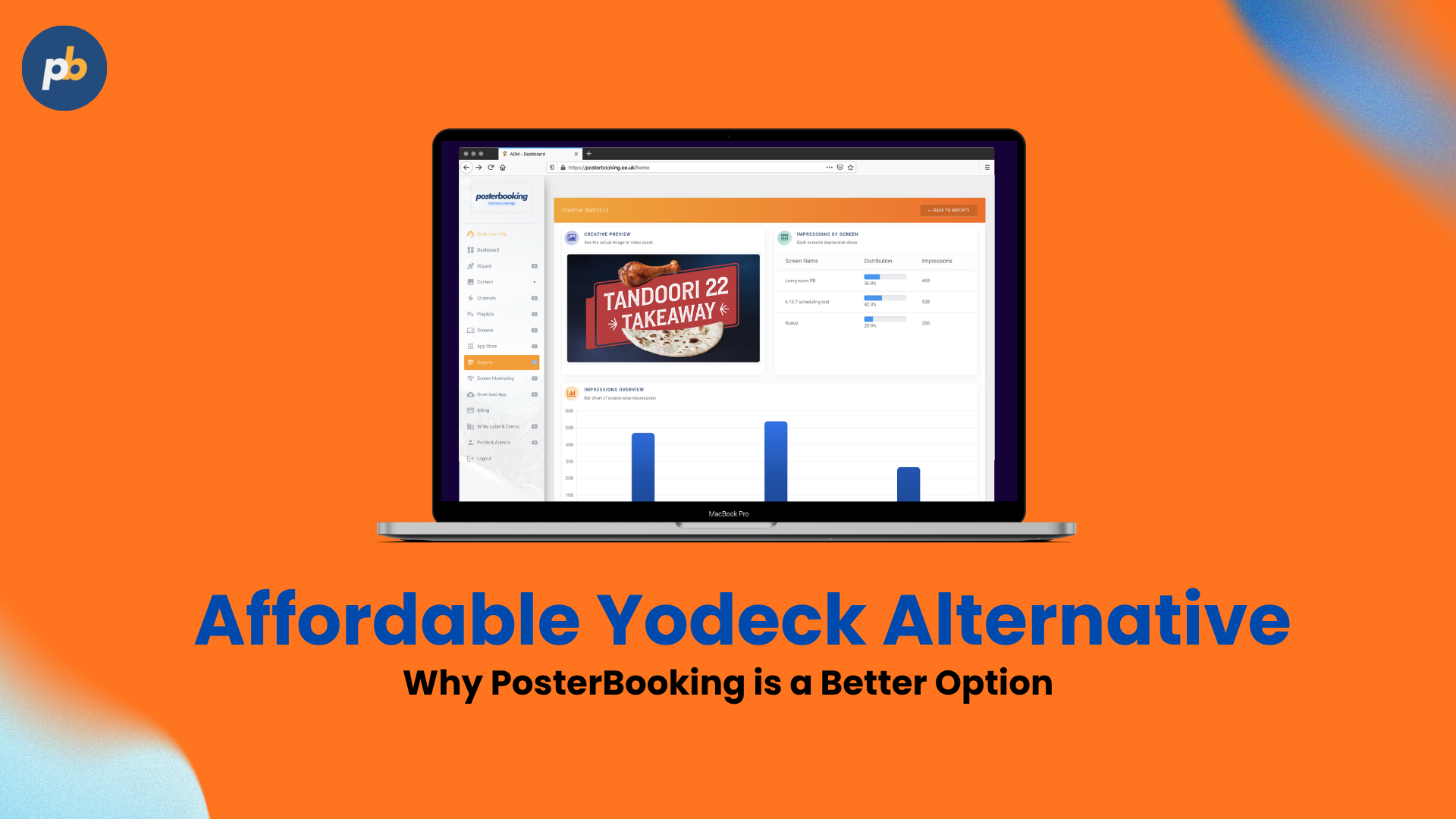
Looking for a cheaper Yodeck alternative in 2027? PosterBooking could save your business thousands of dollars annually, especially if you manage dozens or hundreds of screens.
Yodeck Basic costs $8 per screen monthly on annual billing, while PosterBooking Business Pro offers unlimited screens for $540 per month. At 200 screens, that's $12,720 in potential annual savings on software subscriptions alone. But price isn't everything.
Yodeck offers 800+ templates, content apps, and advanced integrations that may justify its higher-tier plans for some businesses.
In this comparison, we'll examine pricing, features, hardware compatibility, and scalability to help you decide which platform is right for you.
PosterBooking gives you a lower subscription cost than Yodeck Basic for networks of 10 to 200 screens at the sizes compared below. You can run 10 paid screens for $54 per month, compared with $80 per month equivalent for Yodeck Basic on annual billing.
That advantage continues as you expand. Our Business Pro plan covers unlimited screens for $540 per month, so you can open another location without adding another per-screen charge under that subscription.
Yodeck is a cloud-based digital signage platform with an integrated layout editor. It offers a permanent single-screen free plan and player deals on qualifying annual subscriptions. This comparison explains those differences alongside the reasons to choose PosterBooking for a growing screen network.
Table Of Contents
- Why PosterBooking Is a Strong Yodeck Alternative
- Yodeck vs. PosterBooking Pricing
- What you pay with each digital signage provider
- Your monthly software cost
- Account for Yodeck's player offers
- What You Can Do With Your Screens
- Publish approved artwork without rebuilding it
- Schedule the next promotion
- Compare the core capabilities
- Grow Without Growing the Pro Subscription
- Use Supported Hardware You Already Own
- Get Started With PosterBooking
- Questions About Switching From Yodeck
- Is PosterBooking cheaper than Yodeck?
- Do you have to buy Business Pro?
- Can you keep editable Yodeck layouts?
Why PosterBooking Is a Strong Yodeck Alternative
PosterBooking combines a free multi-screen starting point with paid pricing that keeps expansion affordable. You can manage screen content remotely through our dashboard instead of carrying new files to each TV.
You get three practical advantages:
- Start with up to 10 free screens. No credit card is required, and free screens continue with a watermark after the three-month full-feature trial.
- Pay less at the network sizes compared here. Our 10-screen subscription is $26 per month below Yodeck Basic's headline annual-billing equivalent.
- Move to a fixed unlimited-screen subscription. Business Pro stays at $540 per month as you add supported displays.
You don't need a large network to begin. Home Basic gives you a paid option for the first 10 screens, while Business Pro provides the expansion route.
Yodeck vs. PosterBooking Pricing
PosterBooking has the lower software subscription total at all five matching screen counts in this comparison as of November 2026.
What you pay with each digital signage provider
Our paid plan options are:
- Home Basic: $54 per month for 10 screens, then $7 per additional screen.
- Business Pro: $540 per month for unlimited screens, including white-label features.
- Enterprise Plus: $760 per month, including Pro features and additional enterprise provisions.
Yodeck's pricing page lists three standard paid rates on annual billing:
- Basic: $8 per screen per month equivalent.
- Premium: $12 per screen per month equivalent.
- Enterprise: $16 per screen per month equivalent.
Yodeck also offers custom Enterprise+ terms. Its ongoing one-screen free plan is separate from the 30-day full-feature trial for up to five screens.
Your monthly software cost
| Screens | PosterBooking / month | Yodeck Basic / month equivalent | PosterBooking costs less by |
|---|---|---|---|
| 10 | $54.00 | $80.00 | $26.00 |
| 25 | $159.00 | $200.00 | $41.00 |
| 50 | $334.00 | $400.00 | $66.00 |
| 100 | $540.00 | $800.00 | $260.00 |
| 200 | $540.00 | $1,600.00 | $1,060.00 |
*Price last checked: November 2026
The first three PosterBooking rows use Home Basic, calculated as $54 plus $7 for each screen above 10. Business Pro supplies the 100-screen and 200-screen totals. Our subscriptions are monthly. Yodeck figures use its headline annual Basic rate, assuming one licensed player per display.
These are software list prices for different feature packages. Taxes, hardware, optional services and negotiated discounts are excluded. Eligible player bundles and bring-your-own-device savings are not included.
Account for Yodeck's player offers
Qualifying Yodeck annual subscriptions include player offers that can affect your installation budget. Its pricing page also describes savings for eligible hardware you already own.
That matters when you need to equip every display. Ensure you compare the equipment offer with the hardware you would otherwise purchase, alongside the software totals above.
For a business keeping compatible existing players, PosterBooking's recurring subscription advantage is straightforward. At 100 screens, the published difference is $260 per month, or $3,120 across 12 months before excluded costs.
What You Can Do With Your Screens
PosterBooking lets you publish content remotely and schedule its playback on Home Basic and above. Your team can keep its existing design process while using our dashboard to manage what appears on the displays.
Publish approved artwork without rebuilding it
You can upload completed images and videos directly into your PosterBooking workflow. A designer-approved promotion can go from the finished file to your screen without being recreated in a second editor.
Yodeck's feature guide describes an integrated layout editor. That is a different creation route for teams building designs inside the signage platform.
You keep the choice of where to design. PosterBooking handles the publishing step once the asset is ready.
Schedule the next promotion
PosterBooking Home Basic includes scheduled playlists. You can organise playback around the period when an offer needs to run, rather than depending on a visit to every location.
Yodeck supports scheduling too, with advanced capabilities allocated by plan. Both platforms therefore provide a way to plan playback ahead of time.
For a shop changing campaigns at the weekend, the useful outcome is the same: approved content has a schedule instead of relying on a manual file swap.
Compare the core capabilities
| Capability | PosterBooking | Yodeck |
|---|---|---|
| Permanent free allowance | Up to 10 screens* | One screen |
| Scheduled playback | Home Basic and above | Plan-specific scheduling |
| Content creation route | Upload finished artwork | Integrated layout editor |
| White-label route | Yes, with Pro features and service | White Label programme |
| Automatic startup | Supported player setups | Supported player setups |
| Unlimited-screen subscription | Business Pro, $540/month | Standard per-screen tiers |
*Free PosterBooking screens show a watermark after the three-month full-feature trial. Feature scope varies by plan.
Grow Without Growing the Pro Subscription
PosterBooking Business Pro's effective cost per screen decreases as you add displays because the subscription remains $540 per month. Two examples show the difference:
- 100 screens: $5.40 per screen per month.
- 200 screens: $2.70 per screen per month.
You are spreading one subscription across the network. That gives you a fixed software figure when planning the next location.
Business Pro includes a branded dashboard. Our white-label service provides a route for businesses offering signage under their own brand.
Yodeck has a dedicated White Label programme too. Its partner terms cover operating under your branding and setting customer prices, so white-labeling is an option with both providers.
Use Supported Hardware You Already Own
You can run PosterBooking on compatible existing devices, including Amazon Signage Stick and Android players. Our setup guide explains the installation route for each supported setup.
Our supported hardware includes:
- Amazon Signage Stick.
- Amazon Signage Display.
- Amazon Fire TV Stick. (Vega OS not yet compatible as of November 2026)
- Android TV devices.
- Windows PCs.
- Raspberry Pi.
- macOS.
- Linux.
- LG webOS.
Yodeck's player directory extends beyond Raspberry Pi. It lists Android and Windows, with Amazon devices among its options. BrightSign, Samsung Tizen, LG webOS and browser playback are documented routes as well.
Both providers support automatic startup on compatible configurations. Yodeck's Android guide explains device settings that affect the result.
Check the exact player model before a wider rollout. That lets you retain suitable equipment and confirm recovery after a restart.
Get Started With PosterBooking
To set up your first PosterBooking display, create an account and pair a supported player. Follow these four steps:
- Register for free. You do not need a credit card.
- Follow the device setup guide. Pair the player with your dashboard.
- Upload your content. Start with an existing image or video.
- Organise playback. Use the trial to run the content you intend to display.
You can connect up to 10 screens before choosing a paid plan. Free screens continue with a watermark after the three-month full-feature trial.
Our Enterprise Plus plan lists 24/7 unlimited support. Yodeck lists 24/5 support under Enterprise and 24/7 priority support among tailored Enterprise+ services. Choose the support entitlement alongside your subscription.
Create your free PosterBooking account
Questions About Switching From Yodeck
Is PosterBooking cheaper than Yodeck?
Yes, at the five matching screen counts shown here, PosterBooking has the lower headline subscription total than Yodeck Basic. The comparison uses Yodeck's annual Basic rate. Hardware offers and negotiated terms can change the overall purchase cost.
Do you have to buy Business Pro?
No, you can start with the free account or Home Basic for 10 paid screens. Business Pro gives you the fixed-price unlimited-screen route when your network expands.
Can you keep editable Yodeck layouts?
No, you should not assume an editable Yodeck layout transfers directly between platforms. Export supported finished assets or recreate the design in your usual design software before publishing through PosterBooking.