
Table Of Contents
- The Client
- The Challenge
- The Solution
- Hardware & Setup
- Software & Features
- Key Benefits
- 1. 200% Sales Growth in Just 3 Months
- 2. Increased Customer Engagement & Faster Ordering
- 3. Cost Savings & Sustainability
- 4. More Upselling & Higher Order Value
- The Outcome
- Testimonial
- How to Get Started with PosterBooking Digital Signage Today
- Step 1: Sign Up for a Free PosterBooking Account
- Step 2: Get Your Hardware Ready
- Step 3: Install the PosterBooking App
- Step 4: Link Your Screen to PosterBooking
- Step 5: Upload & Schedule Content
- Step 6: Go Live & Start Engaging Customers
- Why Choose PosterBooking?
- Frequently Asked Questions
- How much did sales increase for The Greenhouse Cafe after using digital signage?
- Is PosterBooking free to use for small businesses?
- What hardware do I need to set up digital signage like The Greenhouse Cafe?
- Can digital signage help my restaurant save money on printing costs?
- What devices can I run the PosterBooking app on?
The Client
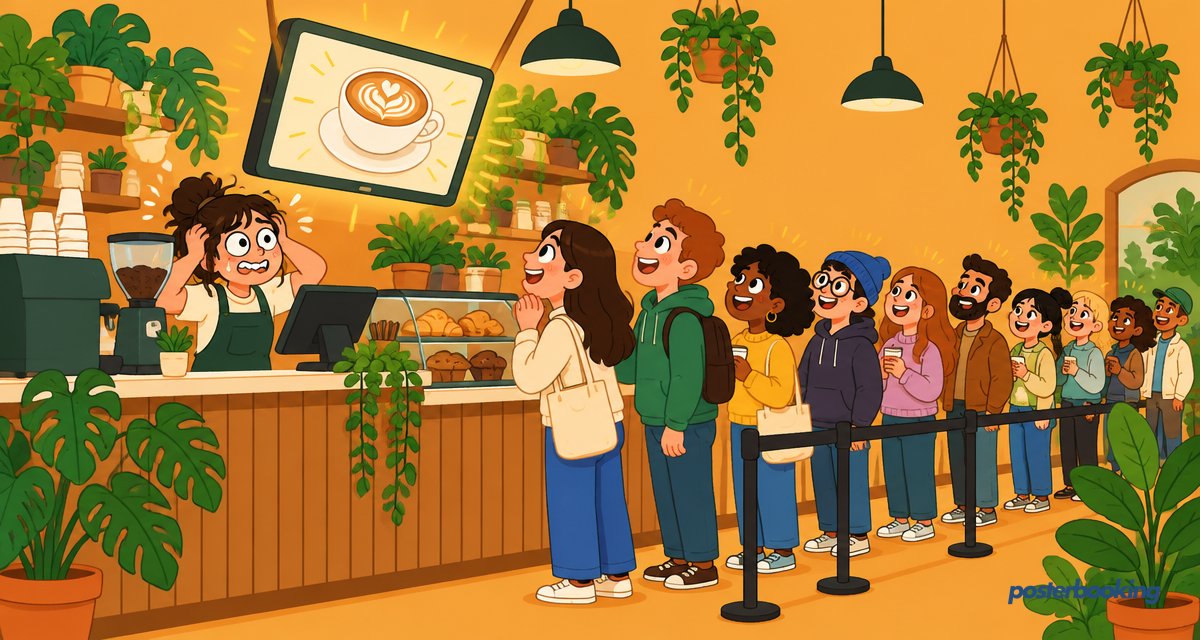
The Greenhouse Café is a trendy, eco-friendly café known for its organic menu, artisanal coffee, and cozy atmosphere. Located in a bustling urban area, the café attracts students, professionals, and families looking for a relaxing place to unwind.
Despite having a loyal customer base, The Greenhouse Café struggled with inconsistent sales and underperforming promotions. They needed a better way to highlight their daily specials, loyalty programs, and limited-time offers to increase foot traffic and boost revenue.
The Challenge
The café had been relying on chalkboard menus, printed flyers, and word-of-mouth promotions to communicate their offers. However, this approach had several challenges:
- Low Visibility: Customers often missed handwritten promotions on the chalkboard menu.
- Limited Menu Awareness: High-margin items and seasonal specials weren’t getting enough attention.
- Inefficient Updates: Menu changes and special deals required constant reprinting of flyers, leading to waste and extra costs.
- Missed Upselling Opportunities: Staff couldn’t always promote add-ons or premium items effectively during busy hours.
The café needed a modern, eye-catching solution that could instantly capture customer attention and drive more sales.
The Solution
After researching digital signage options, The Greenhouse Café implemented PosterBooking’s cloud-based digital signage solution, which allowed them to remotely update menus and promotions in real-time.
Hardware & Setup
- Samsung QMR Series (50-inch) Displays behind the counter and near the entrance for easy visibility.
- LG UH5F Series (43-inch) Displays placed at the order pickup area to promote new menu items and upsell combos.
- Chief Large Fusion Fixed Wall Mounts to secure the screens in optimal locations.
- Amazon Fire TV Sticks to seamlessly integrate PosterBooking’s cloud-based software.
Software & Features
- Dynamic Digital Menus: High-quality images and animated promotions displayed mouthwatering visuals of food and drinks.
- Real-Time Updates: Menu changes, seasonal specials, and discounts could be updated instantly, without printing new menus.
- Scheduled Promotions: The café set happy hour deals and morning coffee specials to display at specific times.
- Upselling Opportunities: Digital screens promoted combo deals and premium add-ons, leading to higher average order value.
Key Benefits
1. 200% Sales Growth in Just 3 Months
By displaying visually appealing promotions, customers became more aware of high-margin items, leading to a 200% increase in sales of featured menu items like smoothie bowls, specialty lattes, and meal combos.
2. Increased Customer Engagement & Faster Ordering
Customers could quickly scan the digital menu, reducing wait times and improving the overall customer experience.
3. Cost Savings & Sustainability
By eliminating printed menus and promotional flyers, The Greenhouse Café reduced printing costs by 40% while staying true to its eco-friendly mission.
4. More Upselling & Higher Order Value
The digital signage encouraged customers to try premium drinks, add extras, and order combo meals, increasing the café’s average transaction value.
The Outcome
- 200% increase in sales for promoted menu items.
- 40% reduction in printing costs, aligning with the café’s sustainability goals.
- Faster customer decision-making, leading to quicker service and improved efficiency.
- Higher engagement, with customers actively responding to promotions and seasonal specials.
Testimonial
“PosterBooking’s digital signage has completely changed how we promote our menu. Our sales have skyrocketed, and customers are more engaged than ever. It’s easy to update, visually stunning, and has saved us so much time and money. If you’re running a café, this is a must-have!” - Sarah Thompson, Owner, The Greenhouse Café
By integrating PosterBooking’s digital signage, The Greenhouse Café revolutionized its marketing strategy, leading to higher sales, lower costs, and a better customer experience. With real-time updates, dynamic menus, and eye-catching visuals, the café has created a modern and engaging dining experience that keeps customers coming back for more.
How to Get Started with PosterBooking Digital Signage Today
Setting up your first digital signage with PosterBooking is easy and takes just a few minutes. Here’s how:
Step 1: Sign Up for a Free PosterBooking Account
- Go to PosterBooking.com
- Click “Sign Up” and create an account.
Step 2: Get Your Hardware Ready
You’ll need:
- A TV or digital display (Samsung, LG, or any other screen).
- An Amazon Fire TV Stick (recommended for easy setup).
Step 3: Install the PosterBooking App
- Plug in your Amazon Fire TV Stick to the display.
- Search for “PosterBooking” in the Amazon App Store and install the app.
Step 4: Link Your Screen to PosterBooking
- Open the PosterBooking app on your Fire TV Stick.
- You’ll see a unique screen code - enter this on your PosterBooking dashboard to link your screen.
Step 5: Upload & Schedule Content
- Log in to your PosterBooking dashboard.
- Upload images, videos, or promotions you want to display.
- Schedule when and where your content should appear.
Step 6: Go Live & Start Engaging Customers
Once your content is scheduled, it will start playing automatically! Update your promotions, change menus, or add special offers anytime - from anywhere.
Why Choose PosterBooking?
- Free for up to 10 screens - Perfect for small businesses.
- Easy setup - No technical skills required.
- Cloud-based - Update screens remotely from any device.
- Engaging visuals - Boost sales with high-impact digital content.
Frequently Asked Questions
How much did sales increase for The Greenhouse Cafe after using digital signage?
The Greenhouse Cafe achieved a 200 percent increase in sales for their promoted menu items within three months. This growth was driven by replacing static chalkboards with dynamic digital menus that highlighted high margin products like smoothie bowls and specialty lattes.
Is PosterBooking free to use for small businesses?
PosterBooking is free for up to 10 screens, though these screens will show a watermark after an initial three month trial period. For businesses needing more capacity, the service costs 6.49 dollars per screen per month starting from the 11th screen.
What hardware do I need to set up digital signage like The Greenhouse Cafe?
The cafe used Samsung QMR Series 50 inch displays and LG UH5F Series 43 inch displays to show their menus. These screens were connected using Amazon Fire TV Sticks to run the PosterBooking software.
Can digital signage help my restaurant save money on printing costs?
The Greenhouse Cafe reduced their printing costs by 40 percent by switching to digital displays. This change eliminated the need for constant reprinting of paper flyers and manual updates to chalkboard menus.
What devices can I run the PosterBooking app on?
PosterBooking is compatible with a wide range of hardware including Amazon Fire TV Sticks, Android TV, and Windows devices. It also works on the Amazon Signage Stick, Chromebox, Raspberry Pi, and various Android displays.