
Table Of Contents
- What Is a Days Without Accident Sign?
- Why Safety Scoreboards Actually Work
- Digital vs Manual Safety Boards
- What to Show on a Digital Safety Scoreboard
- 10 Customisation Ideas for Your Safety Board
- How to Set Up a Digital Safety Scoreboard
- How Much Does It Cost?
- Mistakes to Avoid
- Safety Scoreboards by Industry
- Real-World Examples
- Content Checklist Before You Go Live
- Frequently Asked Questions
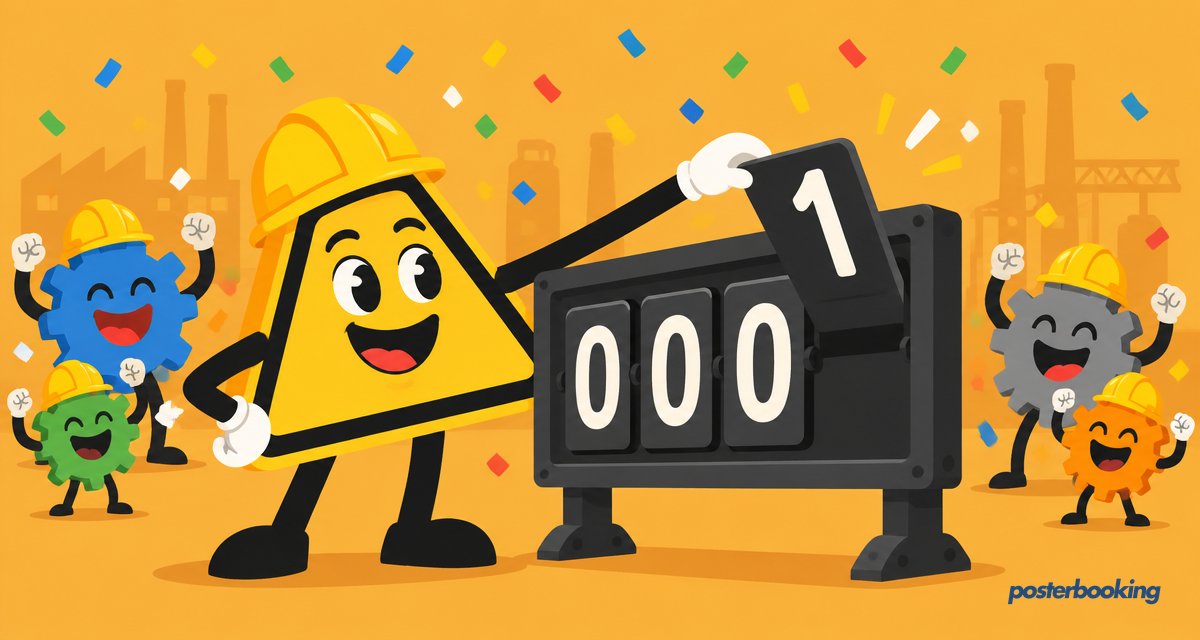
A days without accident sign is a safety scoreboard that shows how many days a workplace has gone without an incident, and digital versions update themselves, celebrate milestones and never rely on someone remembering to flip a number. They are a fixture in factories, warehouses, construction sites and anywhere else where "nobody got hurt today" is worth celebrating.
What Is a Days Without Accident Sign?
You have seen the classic version: a big board by the entrance reading "DAYS SINCE LAST ACCIDENT" with plastic numbers that someone changes each morning. It is simple, visible and surprisingly powerful. A digital safety scoreboard does the same job on a TV screen, but the counter updates automatically, the design looks professional, and you can surround the number with safety tips, weather, news and recognition for safe behaviour.
These boards sit at the intersection of safety culture and basic signage: half motivational tool, half public record. Visitors read them in seconds, and that is precisely the point. A number is unambiguous in a way a mission statement never quite manages to be.
Why Safety Scoreboards Actually Work
This is not just decoration. Safety scoreboards work because of a few well-understood effects:
- Visibility keeps safety front of mind. A number everyone walks past every day is a constant, gentle reminder.
- Nobody wants to reset the counter. Teams genuinely protect a streak. When the whole site can see "247 days", everyone feels responsible for day 248.
- Milestones motivate. Hitting 100, 365 or 1,000 days is a shared achievement worth celebrating, and the board makes it visible.
- It signals culture. Visitors, auditors and new starters see immediately that safety is taken seriously here.
- It creates accountability without blame. The counter reports a fact rather than naming a person, which keeps the message about the team rather than any individual.
None of this is complicated psychology. People behave differently when they know the number is public, in roughly the same way a kitchen behaves differently once a hygiene rating certificate goes in the window.
Digital vs Manual Safety Boards
| Manual flip board | Digital safety scoreboard | |
|---|---|---|
| Updating the count | Someone, every morning, with a ladder | Automatic |
| When someone forgets | Wrong number all day | Never happens |
| Design | Fading plastic numbers | Your branding, photos and animation |
| Extra content | None | Safety tips, weather, news, shout-outs |
| Multiple sites | One board per site, updated separately | Every screen updated from one dashboard |
| Milestone celebrations | A shrug | Full-screen confetti moment |
| Weatherproofing outdoors | Depends on the board | Needs an outdoor-rated enclosure |
The manual board's biggest weakness is human: somebody has to remember. The digital board's biggest weakness is that it never gives anyone an excuse to climb a ladder, which, on reflection, is rather the point.
What to Show on a Digital Safety Scoreboard
- The counter itself, large enough to read from across the floor
- Your record streak, so there is always a target to beat
- Safety tip of the day, rotated automatically
- Weather and news tickers so people have a reason to look at the screen daily
- Recognition for teams or individuals who reported hazards or completed training
- Upcoming safety training dates and toolbox talk reminders
- Emergency procedures that can take over every screen instantly if needed
- Incident-free hours for high-risk tasks, if your site tracks them separately from the main count
10 Customisation Ideas for Your Safety Board
- Count up in green, celebrate in gold: switch the colour scheme when you pass a milestone.
- Add a countdown to the next milestone: "18 days to our best ever streak".
- Show a photo of the team that last completed safety training.
- Run a safety slogan of the week chosen by staff vote.
- Display a live "near miss" report count to encourage reporting, not just accident-free days.
- Theme the board for seasons and holidays so it never blends into the background.
- Add a QR code linking to your hazard reporting form.
- Show per-department counters for a little friendly rivalry.
- Include a "days since last near miss" counter alongside the main one.
- Celebrate work anniversaries and birthdays alongside safety stats, so the screen belongs to everyone.
A board that only ever shows one grim number, however impressive, eventually becomes wallpaper. Mixing in the occasional birthday shout-out is cheap insurance against people simply stopping looking at it.
How to Set Up a Digital Safety Scoreboard
Step 1: Choose your screen and location
Any TV works. Put it where people naturally gather or pass: entrances, break rooms, canteens and clock-in points are ideal.
Step 2: Install PosterBooking
Install the free PosterBooking app on a Fire TV Stick, Android TV, Windows PC, Chrome device or Raspberry Pi connected to the screen. All five are supported, so you can use whatever hardware is already sitting in a drawer somewhere.
Step 3: Pair the screen
Open the app, note the pairing code on the TV, and add the screen in your PosterBooking dashboard.
Step 4: Build your safety content
Create your counter slide, safety tips and milestone designs. You can update the number from your dashboard in seconds, or mix in live content like weather and news feeds.
Step 5: Schedule and repeat
Set the playlist to run all day, and update the counter as part of your morning routine. If you run several sites, every screen updates from the same dashboard.
How Much Does It Cost?
The software can be free: PosterBooking is free for your first 10 screens, which covers most single-site operations with room to spare. The hardware is a standard TV plus an inexpensive player device. Compare that with a purpose-built LED safety board, which can cost hundreds or thousands before it has counted a single day.
| Item | Typical cost range |
|---|---|
| TV (32 to 50 inch) | A couple hundred dollars |
| Player (Fire Stick, Android box, Raspberry Pi) | Roughly $30 to $60 |
| Wall or ceiling mount | Modest one-off cost |
| Purpose-built LED digit board (for comparison) | Hundreds to several thousand dollars |
| Signage software | Free for first 10 screens with PosterBooking |
For sites with more than 10 screens, PosterBooking's paid tiers scale up without forcing you to rebuild your content from scratch, which is worth knowing before you commit to a single-screen pilot.
Mistakes to Avoid
- Making the number too small to read. If it cannot be read from the far end of the warehouse floor, it is not doing its job.
- Never celebrating milestones. A counter that just climbs quietly forever loses its motivational edge; mark the hundreds and thousands properly.
- Forgetting to reset correctly after an incident. Resetting the count should be paired with an honest conversation about what happened, not treated as an embarrassment to hide.
- Leaving the board unattended for months. Stale safety tips and an outdated training date undercut the credibility of the whole display.
- Placing the screen somewhere nobody actually walks past. A beautifully designed scoreboard in a storeroom nobody enters is effort wasted.
Safety Scoreboards by Industry
| Industry | What the scoreboard typically tracks |
|---|---|
| Manufacturing and warehousing | Days without a lost-time incident, near misses reported |
| Construction sites | Days without accident, current site hazards, toolbox talk schedule |
| Logistics and distribution | Days without a vehicle incident, forklift safety reminders |
| Food processing | Days without accident, hygiene audit scores, training compliance |
| Oil, gas and heavy industry | Days without a recordable incident, permit-to-work reminders |
Real-World Examples
A mid-sized warehouse replaced its weathered plastic-number board with a single TV by the clock-in station. The counter now updates itself and the screen rotates in forklift safety tips during the morning shift change, a small change that staff reported noticing within the first week simply because the numbers finally looked right.
A construction site running several concurrent projects used PosterBooking to push the same safety message to screens on three separate sites from one dashboard, after a near miss on one site made a reminder relevant everywhere. The update reached every site in minutes rather than requiring someone to physically visit each cabin with a marker pen.
Content Checklist Before You Go Live
- Counter slide, large and legible from across the room
- Record streak displayed alongside the current count
- At least one rotating safety tip
- Emergency procedure slide ready to push instantly if needed
- Recognition slide for recent training or hazard reporting
- Plan for who updates the counter each morning
- Screen checked from the furthest point people will actually view it
Frequently Asked Questions
Can the counter update automatically?
The counter on a digital safety scoreboard does not update fully automatically by default, but you can update the number from your dashboard in seconds each day, and many teams simply make it part of the morning routine. Live data sources, such as near-miss reporting tools, can also be displayed alongside it for extra context.
Can I run safety boards across multiple sites?
Yes, safety scoreboards can be run across multiple sites from a single cloud dashboard, so head office can push the same safety message or updated counter to every location at once. This is particularly useful after an incident at one site when the lesson needs to reach everyone quickly.
What size TV do I need for a safety scoreboard?
The right TV size for a safety scoreboard depends on viewing distance, but for most factory floors a screen of 43 inches or larger works well. Larger open areas or warehouses with long sightlines may need 55 inches or bigger so the number stays legible from across the floor.
Can the screens show emergency alerts?
Yes, digital safety scoreboards can show emergency alerts, since you can push an emergency message to every screen instantly from the dashboard. This turns the same hardware used for daily safety counts into a site-wide communication tool during an actual incident.
How much does a digital days without accident sign cost?
A digital days without accident sign typically costs only the price of a TV and a low-cost media player, since PosterBooking is free for the first 10 screens. This compares favourably with purpose-built LED digit boards, which can run into the thousands of dollars before counting a single day.
What happens to the counter if the screen loses power overnight?
If the screen loses power overnight, the counter itself is unaffected because the number lives in your dashboard rather than on the device, so it simply resumes correctly once the screen reconnects. Only locally cached content needs to re-download, which happens automatically.
Should the counter reset to zero after every incident, including minor ones?
Most organisations reset the counter after any recordable incident as defined by their own safety policy, not after every minor scrape, so the definition should be agreed in advance and applied consistently. Being transparent about what counts as a reset builds more trust in the board than quietly inflating the streak.
Ready to start the count? Create your free account and put your first safety scoreboard up today. Here is to day one of many.