
Table Of Contents
- What Is DOOH Advertising?
- How Is DOOH Different from Traditional Billboards?
- Where Does DOOH Advertising Appear?
- Types of DOOH Advertising
- Why Advertisers Are Moving to DOOH
- How Much Does DOOH Advertising Cost?
- How Small Businesses Can Use DOOH
- Setting Up Your Own DOOH Screen Step by Step
- DOOH Content Ideas
- Mistakes to Avoid with DOOH Advertising
- Real-World Example: Selling Ad Space on Your Own Screen
- DOOH vs Other Advertising Channels
- Frequently Asked Questions
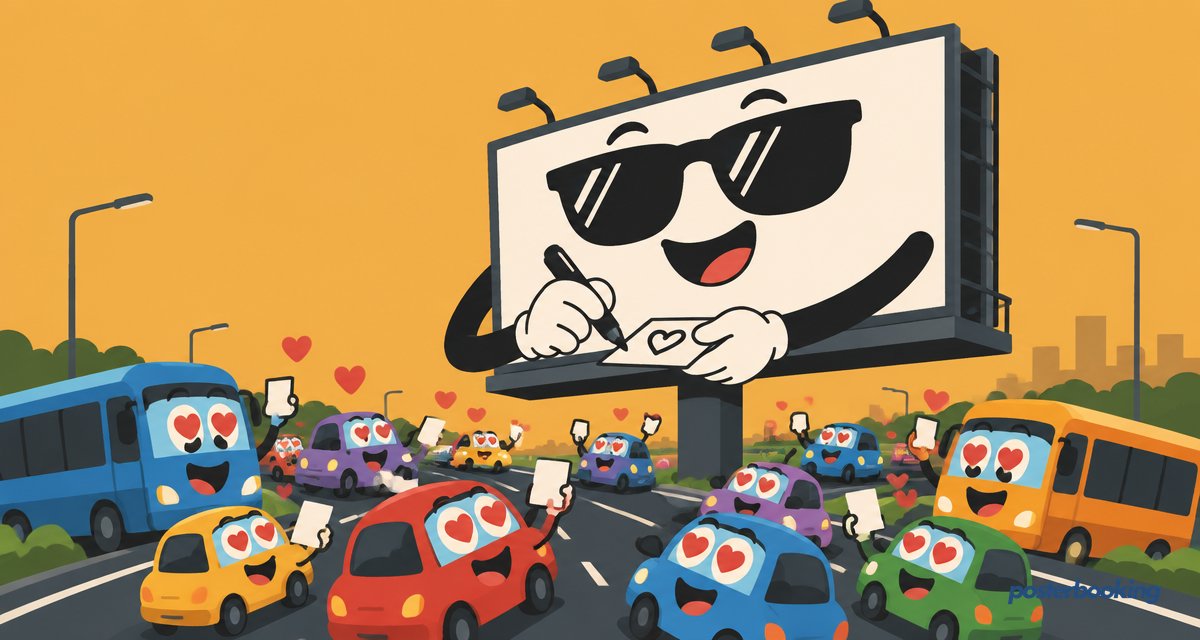
DOOH advertising means digital out of home advertising: ads shown on digital screens in public places, like billboards, shopping centres, gyms, petrol stations and bus stops. It is the digital version of traditional outdoor advertising, and it is one of the fastest growing parts of the advertising industry.
What Is DOOH Advertising?
DOOH stands for digital out of home. Instead of a printed poster, the ad plays on a screen. That single change makes outdoor advertising far more flexible: ads can be swapped in seconds, scheduled by time of day, and even changed based on the weather or live events.
DOOH ranges from giant roadside LED billboards to small screens in shop windows, taxis and lifts. If it is a digital screen showing ads outside the home, it is DOOH. Compare that to the humble printed poster, which, once pasted up, is committed to its message until someone with a ladder and a bucket of paste decides otherwise.
How Is DOOH Different from Traditional Billboards?
- Instant updates. A printed billboard takes days to change. A digital ad can be swapped in minutes.
- Scheduling. Different ads can run at breakfast, lunch and evening on the same screen.
- Motion. Video and animation attract far more attention than static print.
- Measurement. Digital screens can report exactly when each ad played, known as proof of play.
Where Does DOOH Advertising Appear?
- Roadside digital billboards and motorway screens
- Shopping centres and high street shop windows
- Gyms, salons, doctors' surgeries and waiting rooms
- Petrol stations, bus stops, train stations and airports
- Bars, restaurants and takeaways
Types of DOOH Advertising
Not all DOOH looks the same. Broadly, it falls into a few categories:
| Type | Typical location | Typical audience size |
|---|---|---|
| Large format billboards | Motorways, city centres | Very high, passing traffic |
| Transit and transport screens | Bus stops, train stations, airports | High, captive commuters |
| Place-based screens | Gyms, salons, waiting rooms, bars | Smaller, but highly attentive |
| Retail and point of sale screens | Shop windows, in-store displays | Moderate, decision-stage shoppers |
| Programmatic DOOH | Any connected screen sold through an ad exchange | Varies, bought automatically |
Place-based screens are the quiet achiever of this list. A gym member waiting for a treadmill is a captive audience in a way a driver doing 70 on a motorway simply is not.
Why Advertisers Are Moving to DOOH
DOOH combines the reach of outdoor advertising with the flexibility of online ads. Advertisers can target by location and time of day, react to events in real time, and update creative without printing anything. For screen owners, selling ad space on their displays creates a new revenue stream.
Programmatic buying has also made DOOH more accessible: ad space on a network of screens can be bought and sold automatically, similar to how display ads are traded online, rather than requiring a phone call and a lengthy print production schedule.
How Much Does DOOH Advertising Cost?
Costs vary widely. A slot on a large roadside digital billboard can cost hundreds to thousands of pounds per week, while advertising on screens inside local venues is far cheaper. For businesses that own their screens, the cost is mostly the screen itself and the software to run it, which can be free for the first few screens.
| Role | Cost driver | Typical range |
|---|---|---|
| Buying ad space (roadside) | Location, traffic, duration | Hundreds to thousands per week |
| Buying ad space (local venue) | Footfall, screen count | Tens to low hundreds per week |
| Owning a screen | Hardware plus software | Low hundreds upfront, software often free for first screens |
How Small Businesses Can Use DOOH
You do not need a giant billboard to take part. Any TV in your shop window, reception or venue is a DOOH screen. With free digital signage software like PosterBooking, you can:
- Show your own promotions on any TV using a Fire TV Stick or Android device.
- Mix in ads from local partners and charge them for the space.
- Schedule different content for different times of day.
- Manage every screen from one cloud dashboard.
Setting Up Your Own DOOH Screen Step by Step
- Choose a visible spot, such as a shop window, reception desk or waiting area with steady foot traffic.
- Pick a screen. A standard TV works for most indoor locations; brighter commercial panels suit windows with direct sunlight.
- Add a media player. PosterBooking runs on a Fire Stick, Android box, Windows PC, Chrome device or Raspberry Pi.
- Install the app and pair it with your dashboard using the on-screen code.
- Upload your own promotions, and if you want extra revenue, reach out to nearby businesses about sharing the screen.
- Schedule content by time of day so morning, lunchtime and evening audiences each see something relevant.
DOOH Content Ideas
- Rotating promotions for your own products or services
- Paid slots for nearby complementary businesses, such as a cafe advertising a local bakery
- Local weather, news headlines or transport updates to keep attention on the screen between ads
- Countdown timers for limited-time offers or events
- Simple brand reminders: logo, tagline and a QR code to a website or booking page
Mistakes to Avoid with DOOH Advertising
- Overloading one screen with too many ads. A loop with twenty slides means each one gets forgotten before it returns.
- Ignoring viewing distance. Text that reads fine on a laptop can be illegible from across a shop.
- No proof of play if you are selling space. If you charge other businesses, be able to show when their ad actually played.
- Forgetting to refresh creative. Even a great ad becomes wallpaper after a few weeks of identical repetition.
- Choosing the wrong location. A screen facing an empty corner will not out-perform one at the till, no matter how good the content is.
Real-World Example: Selling Ad Space on Your Own Screen
A gym with a reception screen running on PosterBooking began offering a small number of ad slots to nearby businesses: a sports massage therapist, a protein supplement shop and a local physiotherapist. Each paid a modest monthly fee for a slot in the loop, turning what had been a pure cost centre (the screen) into a small but steady source of extra income, alongside its usual job of showing class timetables.
DOOH vs Other Advertising Channels
| Channel | Update speed | Typical audience | Measurement |
|---|---|---|---|
| Printed billboard | Days | Very high | Estimated only |
| DOOH | Minutes | Very high | Proof of play |
| Social media ads | Instant | Variable, often broad | Detailed digital analytics |
| In-store DOOH | Minutes | Smaller, highly attentive | Proof of play plus foot traffic |
DOOH sits neatly between the broad reach of a billboard and the precision of online advertising, which is probably why budgets keep shifting toward it.
Frequently Asked Questions
What does DOOH stand for?
DOOH stands for digital out of home, referring to digital advertising screens placed in public spaces outside the home, such as billboards, shop windows, transit stations and venues. It replaces static printed posters with screens that can update content instantly.
Is DOOH advertising only for big brands?
No, DOOH advertising is not only for big brands, since any business with a screen in a public-facing space, such as a shop window or reception area, is already running a form of DOOH. Small businesses can also sell space on their own screens to local advertisers.
What is proof of play in DOOH advertising?
Proof of play in DOOH advertising is a report confirming exactly when and where a specific ad played on a screen. Advertisers and screen owners use proof of play to verify campaigns ran as agreed and to bill accurately for the ad slots used.
Can I run DOOH advertising on a normal TV?
Yes, DOOH advertising can run on a normal TV as long as it is paired with a media player such as a Fire TV Stick or Android device running digital signage software. This setup works well for indoor DOOH in shops, gyms, salons and waiting rooms.
How is DOOH different from a regular digital signage screen?
DOOH specifically refers to screens showing paid advertising in public places, while regular digital signage can show any content, including menus, schedules or internal announcements, with no advertising involved. Many screens actually do both, mixing owned content with paid ad slots.
How much does it cost to advertise on a DOOH screen?
Advertising on a DOOH screen costs anywhere from tens of pounds per week on a small local venue screen to thousands per week on a high-traffic roadside billboard. The price depends mainly on the location, footfall or traffic volume, and the length of the ad slot booked.
Can a small business make money from DOOH advertising?
Yes, a small business can make money from DOOH advertising by selling spare slots on its own screen to nearby or complementary businesses. A cafe, gym or salon with a reception screen can charge other local businesses a modest fee to appear in the rotation.
What software do I need to start running DOOH ads?
Cloud-based digital signage software such as PosterBooking is needed to start running DOOH ads, since it lets you upload content, schedule ad slots and manage screens remotely. It works on Fire Stick, Android, Windows, Chrome and Raspberry Pi devices, and is free for the first 10 screens.
Want to turn your screens into DOOH displays? Create your free account and start with your first 10 screens free.