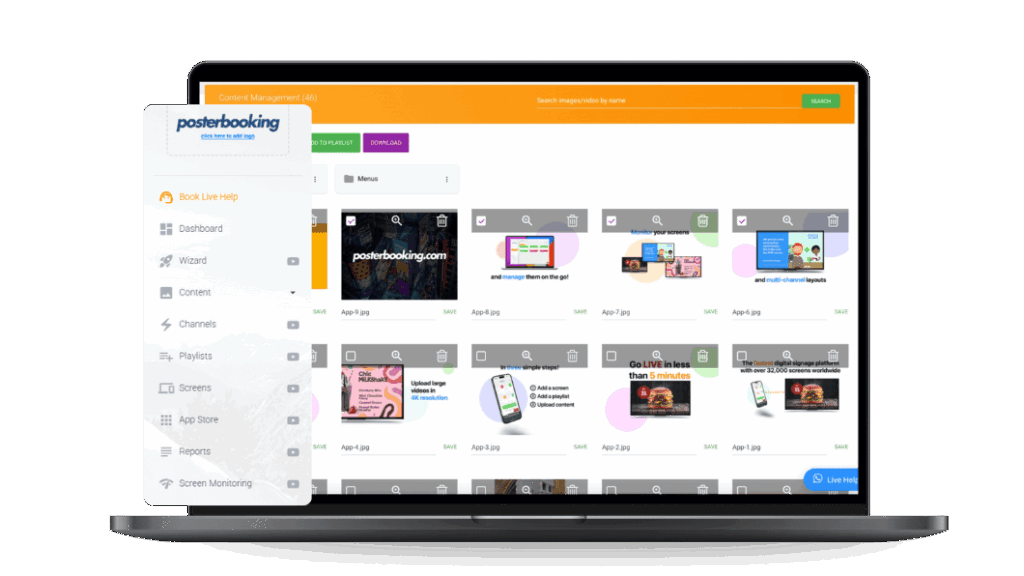
Launch a Restaurant Menu Slideshow in Minutes
Turn your TV into a dynamic, mouthwatering menu that rotates your dishes, upsells your combos, and updates in real time, no design skills or new hardware needed.
Trusted globally with 120,000 screens and 88,466 users in over 150 countries.



Automated Slideshows That Boost Sales
Bring your menu to life with a looping slideshow of your best dishes, promotions, and combo deals. Set it up in minutes, control it from anywhere, and update prices instantly, all for free.
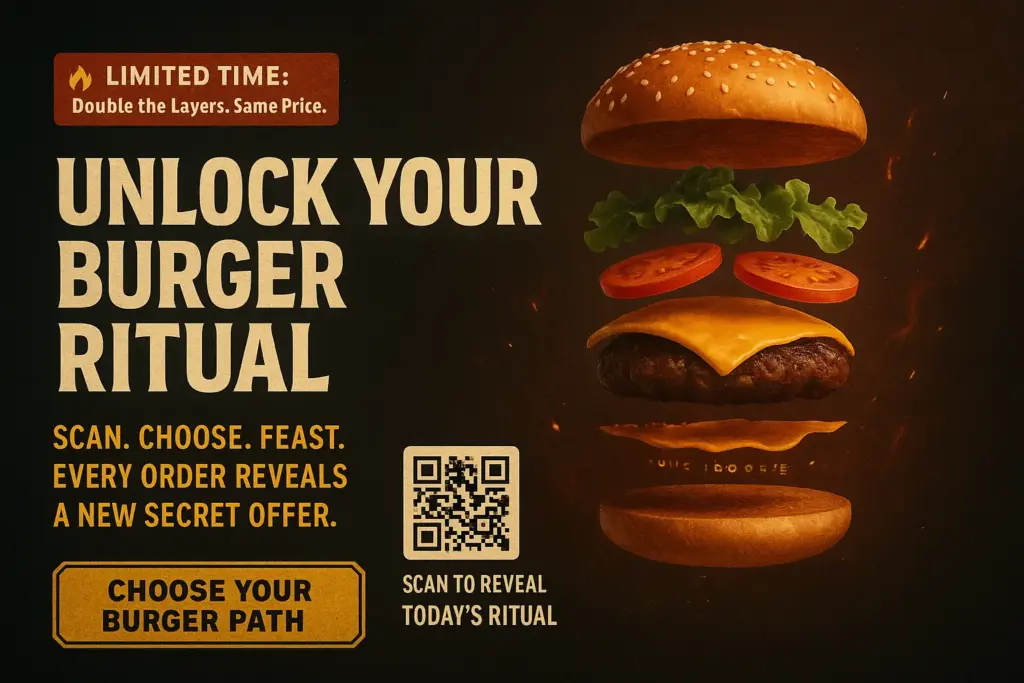
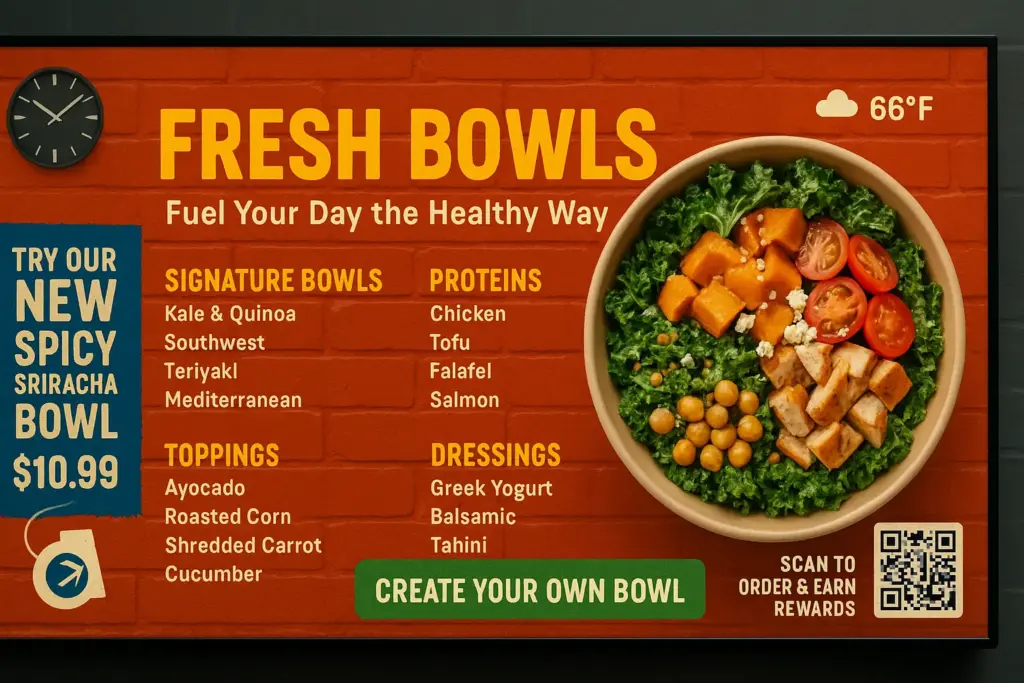
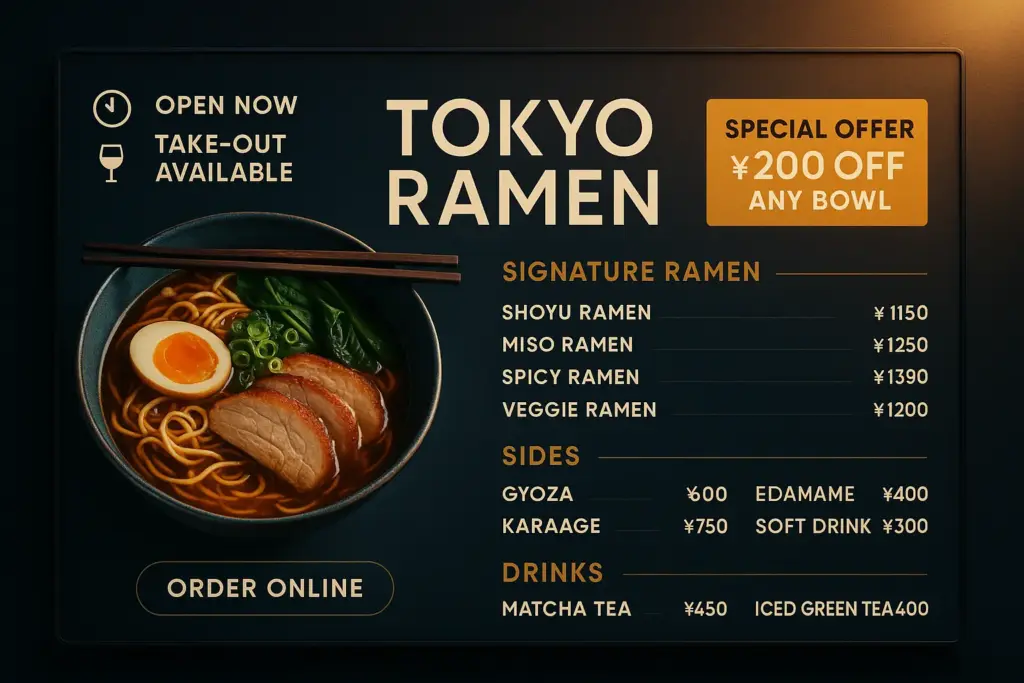
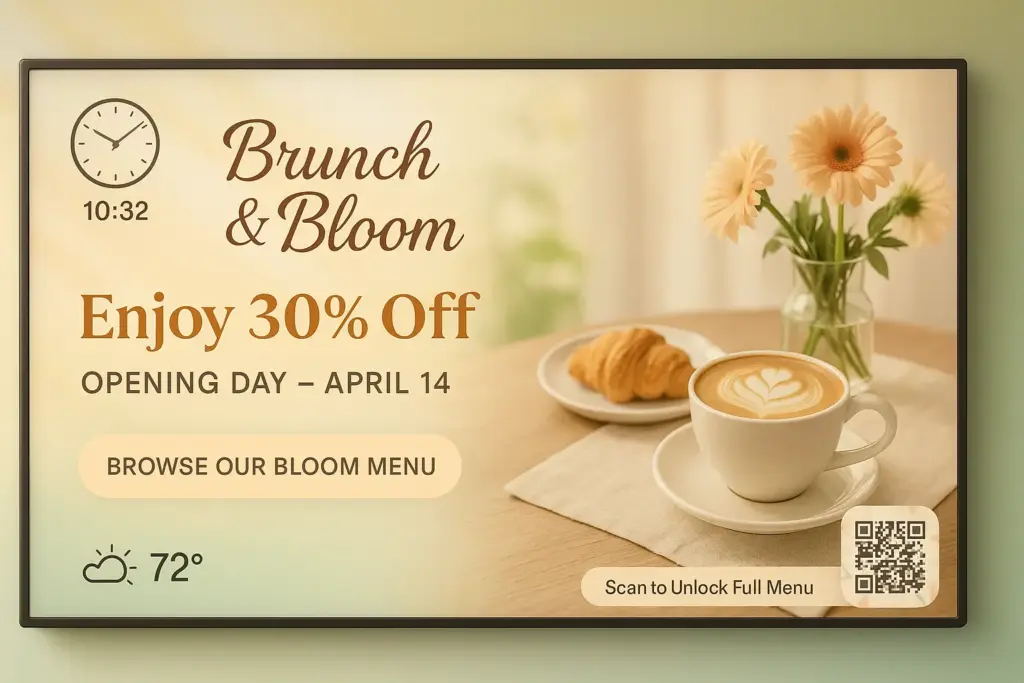
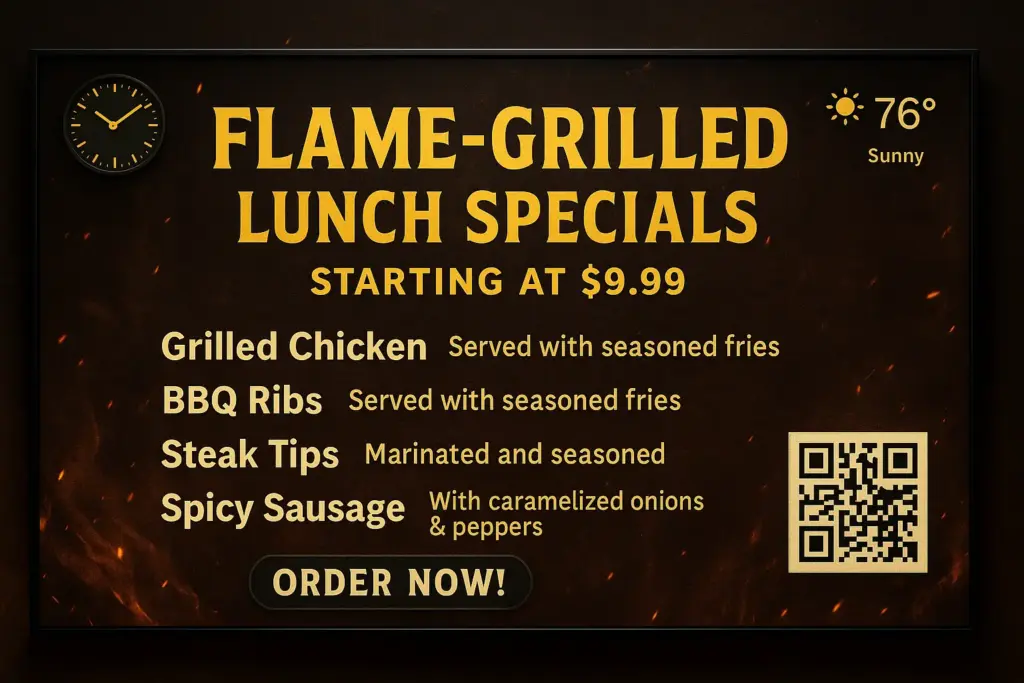
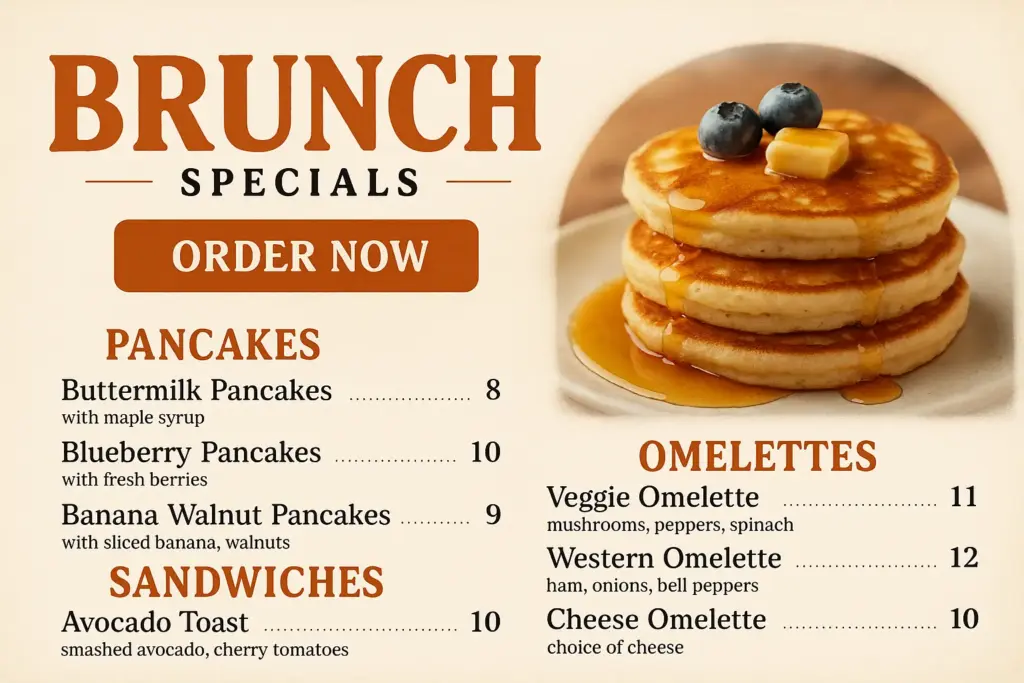
Why You Need a Restuarant Menu Slide Show
Boost Sales with Every Slide
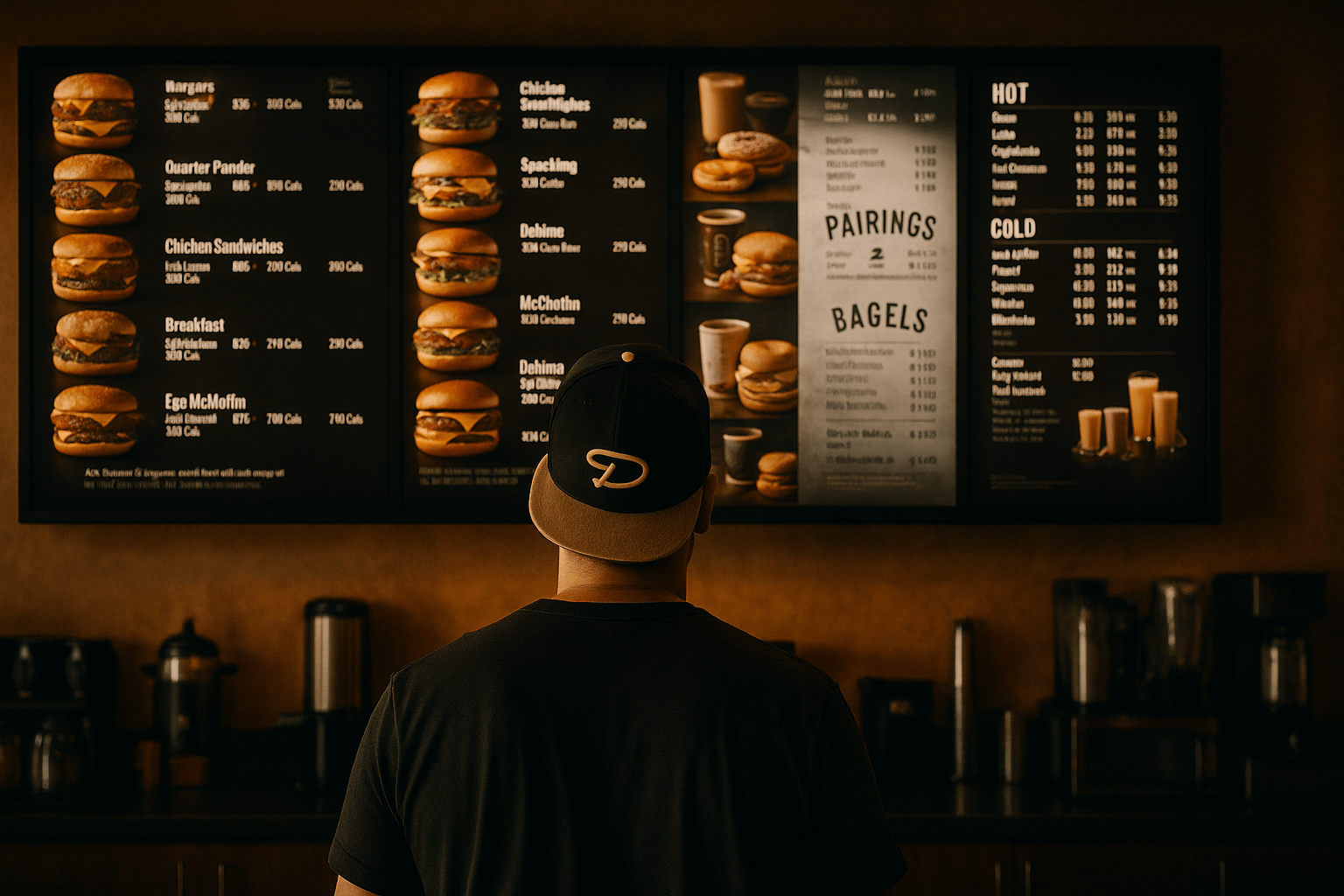
Turn your menu into a silent salesperson. Highlight daily specials, popular dishes, and high-margin combos in a rotating slideshow that grabs attention and drives more orders.
Look More Professional Instantly
Replace outdated paper or static screens with modern, high-resolution menu slides. Impress customers from the moment they walk in and create a polished, upscale brand experience.
Save Hours of Manual Updates
Change menu items, prices, or promotions from one dashboard, no design skills needed. Whether it’s one screen or fifty, everything updates in real-time with just a click.
How to Launch a Restaurant Menu Slideshow
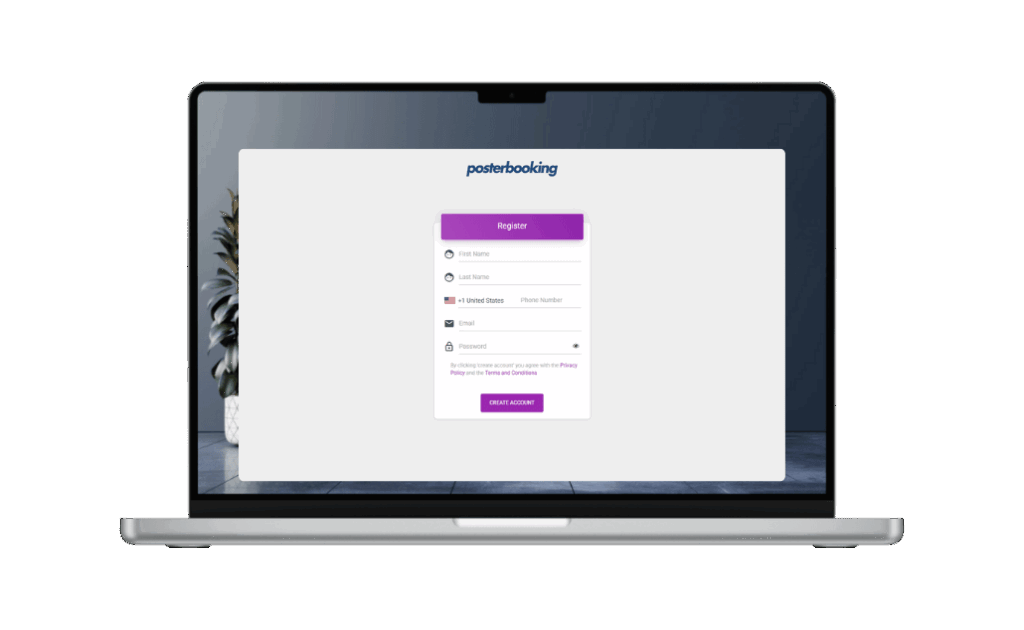
Step 1: Create a Free Account
Sign up on a PosterBooking. It takes just 1 minute.
Step 2: Connect a Screen
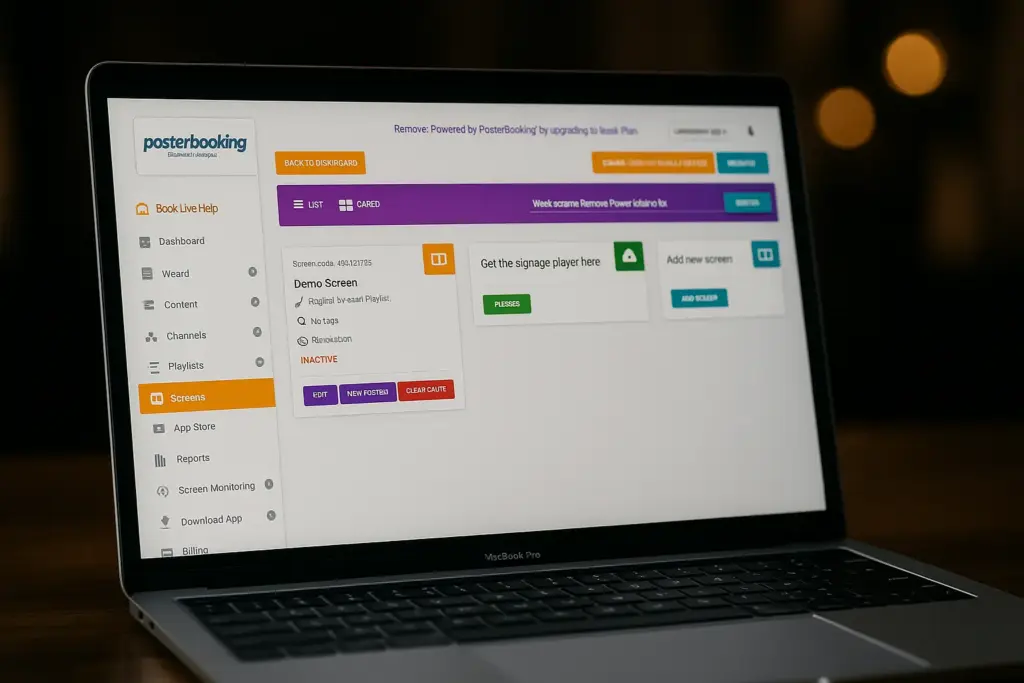
Plug a device into your screen and install the signage app. Use Smart TVs, FireStick, Android box whatever you already have.
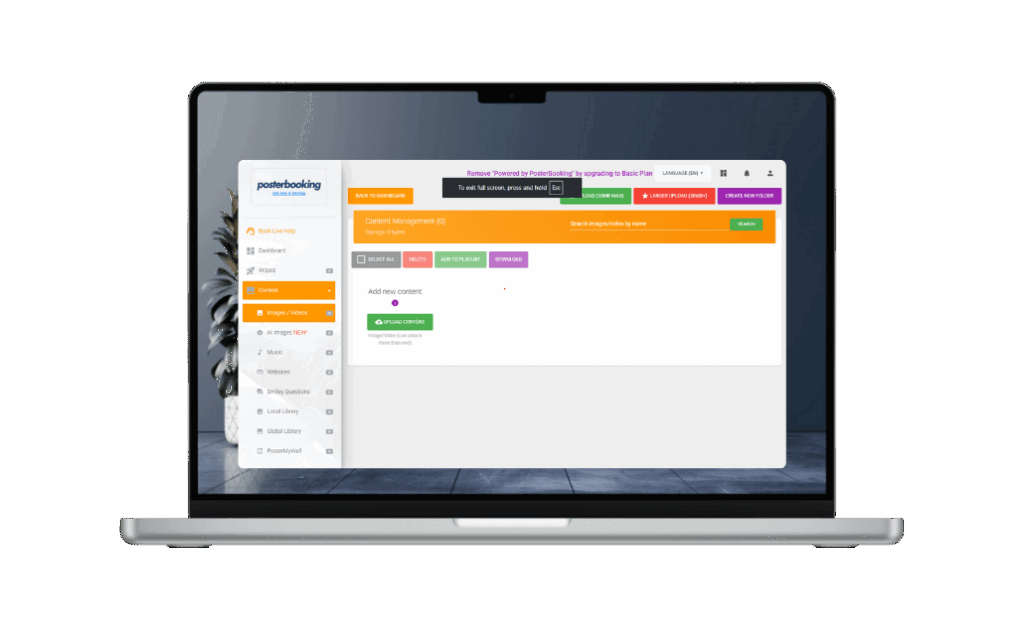
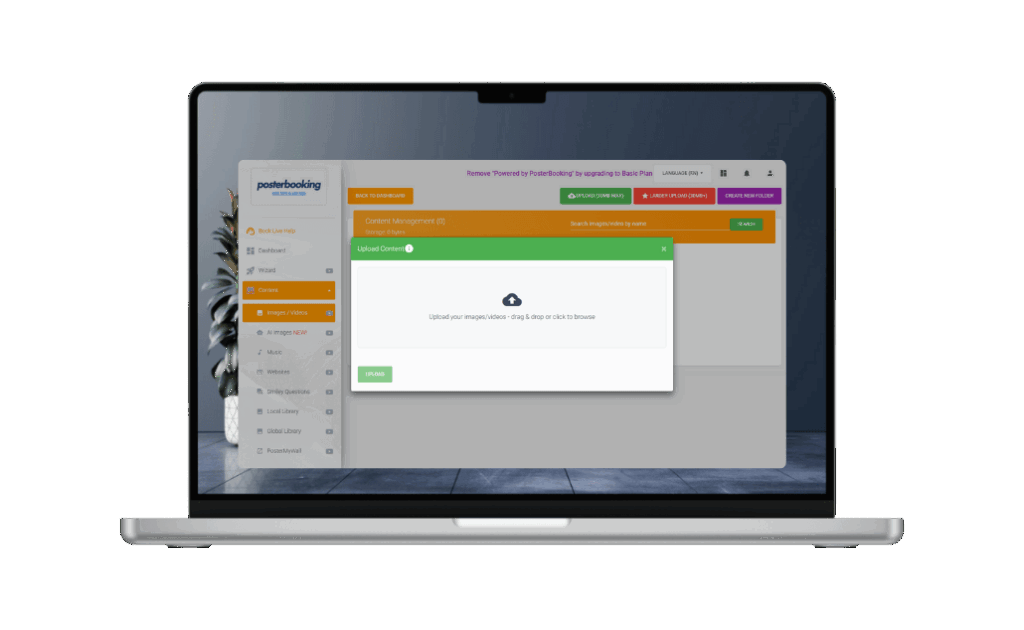
Step 3: Upload Your Menu
Upload images or videos of your breakfast, lunch, and dinner menus. You can use JPEG, PNG, or MP4.
Why Thousands of Restaurants Use PosterBooking
Join hotels, restaurants, schools, and offices worldwide who trust PosterBooking to power their screens.
- 10 Free Screens - No Contracts, No Credit Card
- Works on Any Screen You Already Own
- Trusted Globally - 120,000 Screens Globally
- Remote Control from Anywhere
- Schedule Menus by Time of Day
- Sync Across Multiple Locations
Why Every Restaurant Owner Uses PosterBooking
Real stories from smart business owners who made the switch.
I’ve used PosterBooking for a year now and haven’t paid a single penny. It’s really simple and easy to use and am thinking of upgrading my package to a paid option because I need the pro-services. I highly recommend anyone looking for digital signage to use PosterBooking, its super simple to use..
Five Star Pizzas
PosterBooking is by far the best digital signage solution out there. Realiable, easy to use and with a lot of different resources
T. Fonseca
I’ve been looking for a service like this for years, easy to use and setup, great support team and great plans! I would totally recommend it!
Jimmy Rivera
By far the best cloud digital signage out there. Unlike others who provide only 1 trial screens with limited options, poster booking provides 10 free screens which makes it very convenient for small business like. They are way ahead of other signage brands in the market. Will definately recommend everyone to give them a try and I can assure it won’t disappoint. Also the features are laid in a very practical and very easy to use USER INTERFACE.
Ozaki Kaji Me
A very good inexpensive solution for small as well as large businesses. The software is ever evolving and new features and guesses are added regularly and the best part, The customer support is really awesome!
Muhammad Fayyaz
I have been using PosterBooking for one of my customers for over 2 months now and it has not faltered at all.
It continuously displays my clients marketing media in a shop window on two monitor screens.
You will soon understand why so many big brands have adopted this as their choice of media display system.
Matt Carroll
Frequently Asked Questions
Is there a way to get a digital menu slideshow for free?
You can use PosterBooking for free for up to 10 screens. This includes a three month trial, after which the free screens will display a watermark.
What hardware do I need to run a digital menu board?
The software is compatible with Fire TV Stick, Amazon Signage Stick or Display, Android TV, Chromebox, Windows, and Raspberry Pi. You can plug these devices into the screens you already own to get started.
How long does it take to set up a digital menu slideshow?
Setting up a restaurant menu slideshow takes about 2 minutes. The process involves creating an account, connecting your screen via the app, and uploading your menu images or videos.
Will my digital menu still work if the internet goes out?
Yes, PosterBooking supports offline playback through caching. This ensures your menu continues to display even if your internet connection is interrupted.
How much does it cost if I need more than 10 screens?
Pricing starts at $6.49 per screen per month starting from the 11th screen. You can also choose the Home Basic plan at $52 per month for 10 screens with no watermark, or the Business Pro plan at $520 per month for unlimited screens.
Join PosterBooking for FREE
Get a free 1:1 PosterBooking demo and see how to unlock 10 free screens with zero setup headaches.