
Table Of Contents
- What Is Supermarket Digital Signage?
- 8 Ways Grocery Stores Use Screens
- Where to Place Screens
- How to Set Up Grocery Store Signage
- How Much Does It Cost
- Digital Signage vs Printed Posters
- Common Mistakes Grocery Stores Make
- Real-World Example: A Busy Saturday Morning
- A Weekly Checklist for Store Managers
- Choosing Screens and Hardware
- Measuring Whether Your Signage Is Working
- Frequently Asked Questions
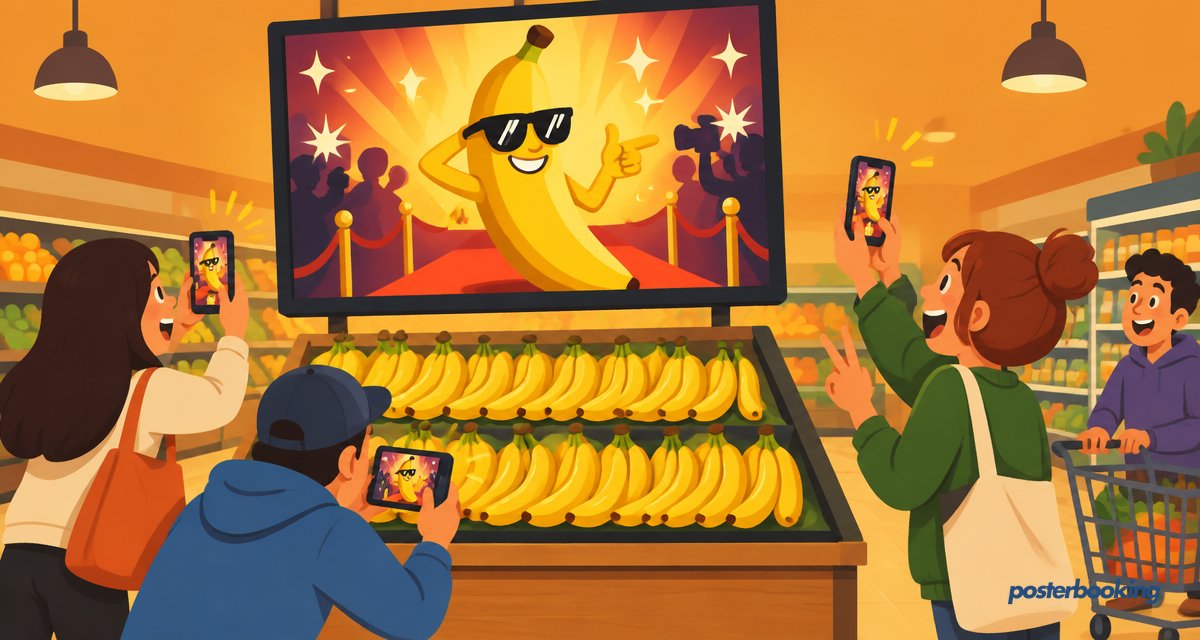
Supermarket digital signage uses TV screens around a grocery store to promote offers, display deli and bakery menus, share prices and guide shoppers, all updated remotely in seconds. It replaces printed posters, cuts print costs and lifts sales of promoted products.
What Is Supermarket Digital Signage?
It is a network of screens, from a single TV at the entrance to dozens across aisles and counters, controlled from one online dashboard. You can change a price or swap a weekly offer across every store at once, which beats the old routine of someone laminating a new sign at 11pm.
8 Ways Grocery Stores Use Screens
- Weekly deals and promotions at the entrance.
- Deli, bakery and hot food menu boards. See our digital menu board guide.
- Fresh produce spotlights with origin and seasonality.
- Recipe ideas that feature products in the aisle.
- Loyalty app and QR code sign-ups.
- Checkout queue messages and upsells.
- Store news, opening hours and hiring.
- Supplier ads that can pay for the screens themselves.
Where to Place Screens
- Entrance and lobby, for top offers.
- Above counters, for menus and prices.
- End caps, for promotions.
- Checkout lanes, for impulse buys.
Browse more ideas in 15 digital signage examples by industry and our retail store guide.
How to Set Up Grocery Store Signage
- Choose TVs and a player for each screen, such as the Amazon Signage Stick.
- Install PosterBooking and pair each screen with your free account.
- Upload offers, menus and videos, or design them in Canva.
- Group screens by location and schedule content by time of day.
- Update prices across every store from one dashboard.
Your first 10 screens are free. See pricing for larger chains.
How Much Does It Cost
Budgeting for grocery signage comes down to three rough buckets: screens, players and software.
| Item | Typical Range | Notes |
|---|---|---|
| Commercial TV screen | Moderate to high per unit | Commercial-grade panels last longer under all-day use |
| Media player (stick/box) | Low, roughly the cost of a takeaway for two | Fire Stick, Android box or Raspberry Pi all work |
| Signage software | Free for first 10 screens with PosterBooking | Paid tiers scale per screen for larger chains |
| Installation/mounting | Low to moderate, one-off | Varies by store layout and ceiling height |
For a single small shop, the whole setup can realistically be done for roughly the price of a decent TV plus a streaming stick. For a chain with dozens of locations, the main ongoing cost becomes the per-screen software fee once you pass ten screens, plus the odd replacement bulb, sorry, screen.
Digital Signage vs Printed Posters
| Factor | Printed Posters | Digital Signage |
|---|---|---|
| Update speed | Days (design, print, deliver, hang) | Seconds, from any device |
| Cost per change | Ongoing print and labour cost | Included once hardware is set up |
| Consistency across stores | Hard to guarantee | Identical across every screen |
| Attention-grabbing | Static, easy to ignore | Motion and video draw the eye |
| Flexibility | Fixed until replaced | Can change by time of day |
Printed posters still have their place, nobody is suggesting you laminate your "Wet Floor" sign into a video loop, but for pricing and promotions, screens win comfortably.
Common Mistakes Grocery Stores Make
- Treating every screen the same. A checkout screen should sell small, cheap add-ons, not advertise a freezer full of frozen turkeys.
- Letting playlists go stale. Shoppers notice when the "this week's offer" banner has clearly been up since last month.
- Overloading one screen with text. Shoppers walk past at a brisk pace; they are not stopping to read a paragraph about artisanal sourdough.
- Ignoring sound and brightness settings, leading to screens that are either silent and ignored or glaringly bright under store lighting.
- Forgetting to plan for Wi-Fi dead zones, particularly near large refrigeration units, which can quietly knock a screen offline.
Real-World Example: A Busy Saturday Morning
Picture a mid-sized supermarket on a Saturday. The entrance screen rotates between the weekend's three big offers and a countdown to a flash sale at midday. Above the deli counter, a menu board updates automatically once the sandwich price changes in the system. At the checkout, a small screen quietly suggests a chocolate bar nobody asked for but everybody buys anyway. None of this needed a member of staff to print, cut or Blu-Tack anything, which frees them up to deal with the trolley that has mysteriously lost a wheel.
A Weekly Checklist for Store Managers
- Review and refresh the entrance offer slide.
- Confirm deli and bakery prices match what is on the shelf.
- Check all screens are online in the PosterBooking dashboard.
- Rotate at least one checkout-lane message.
- Add any new store news, hours changes or hiring notices.
- Spot-check one screen in person for brightness and visibility.
Five minutes a week, roughly the time it takes to queue for a self-checkout machine that insists there is an "unexpected item in the bagging area" even though you have definitely scanned everything correctly.
Choosing Screens and Hardware
Commercial-grade TVs are built to run 12 to 16 hours a day without the burn-in or early failure you sometimes see on a consumer television left on all day. For the player running the content, PosterBooking works on Fire Stick, Android, Windows, Chrome and Raspberry Pi, so stores can standardise on whatever hardware they already have lying around or trust. Larger chains often prefer a dedicated Android media player for reliability, while a single independent shop can comfortably start with a basic Fire TV Stick.
Measuring Whether Your Signage Is Working
It is tempting to install screens, admire them for a week, then forget they exist. A better approach is to track a few simple signals:
- Sales of the promoted product during the week it features on screen versus the week before.
- Checkout lane upsell uptake, comparing weeks with and without a screen message.
- Staff feedback on whether customers mention or ask about on-screen offers.
- Screen uptime in the PosterBooking dashboard, since a blank screen obviously sells nothing.
None of this requires a data science degree. A simple spreadsheet and a bit of curiosity will tell you more than most dashboards claim to, and it beats guessing based on whichever manager shouted loudest in the Monday meeting.
Frequently Asked Questions
How much does supermarket digital signage cost?
Supermarket digital signage costs vary by scale, with PosterBooking free for the first 10 screens and paid plans starting at a low monthly price per screen beyond that. Hardware typically adds a modest one-off cost per screen for a media player, plus the price of the TV itself.
Does digital signage increase grocery sales?
Yes, digital signage increases grocery sales by making promotions more visible than printed posters and allowing prices and offers to change instantly to push products that need to move. Motion and video content also capture shopper attention more effectively than static signs.
Can I show different content in different stores?
Yes, you can show different content in different grocery stores by grouping screens by store or region in your signage dashboard and scheduling separate playlists for each group. This lets a chain run a regional promotion in one city while another runs a different offer entirely.
What hardware do I need for grocery store digital signage?
Grocery store digital signage needs a TV or commercial display plus a media player such as a Fire Stick, Android box, Windows PC or Raspberry Pi to run the content. PosterBooking supports all of these, so most stores can use hardware they already own.
Is digital signage better than printed menu boards for a deli counter?
Yes, digital menu boards are generally better than printed ones for a deli counter because prices and items can be updated instantly without reprinting or re-laminating anything. This reduces both labour time and the risk of a shelf price disagreeing with the sign above the counter.
How quickly can I update prices across all my stores?
You can update prices across all stores almost immediately by editing the relevant content once in your digital signage dashboard and pushing it to every grouped screen at the same time. Changes typically appear on screens within seconds of saving.
Do digital signage screens need a dedicated computer?
No, digital signage screens do not need a dedicated computer because lightweight media players like a Fire TV Stick or Raspberry Pi can run the signage app directly on the TV. This keeps hardware costs low and avoids needing a PC tied up at every screen.
Can supplier advertising help pay for grocery store screens?
Yes, many grocery stores offset screen costs by selling advertising space to suppliers who want their products featured on in-store digital signage. This turns the screens from a pure cost centre into a modest additional revenue stream over time.