
Table Of Contents
- What Makes a Good Digital Signage Example?
- Restaurant and Cafe Digital Signage Examples
- Retail Digital Signage Examples
- Church and Place of Worship Digital Signage Examples
- Healthcare Digital Signage Examples
- Gym and Fitness Digital Signage Examples
- School and Education Digital Signage Examples
- Office and Corporate Digital Signage Examples
- Hotel Digital Signage Examples
- Bonus Examples You Might Not Have Considered
- Costs of Running These Examples
- Mistakes That Ruin Good Digital Signage
- How to Create Your Own Digital Signage in Minutes
- Checklist Before You Launch
- Frequently Asked Questions
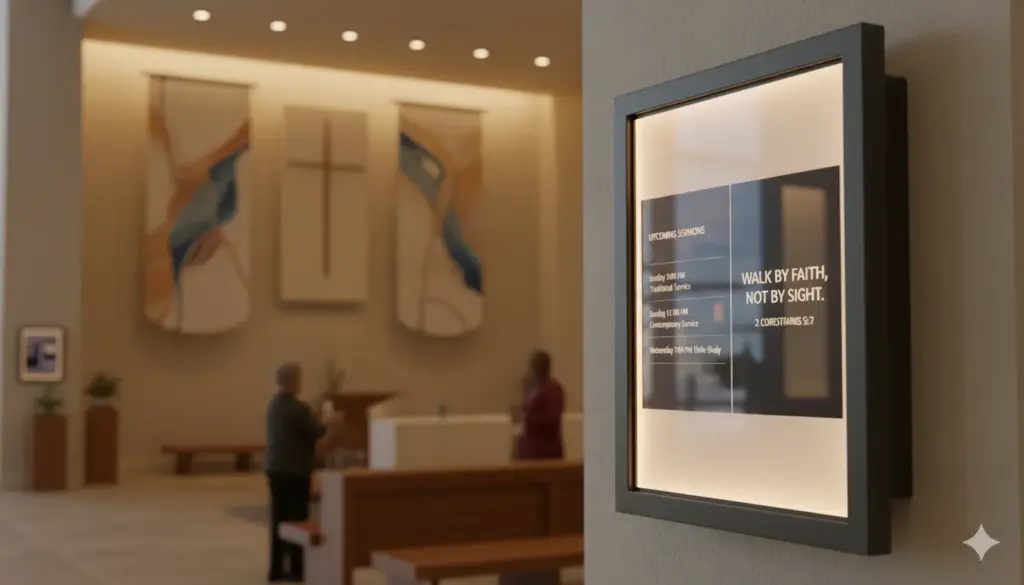
Digital signage is any screen that shows content managed remotely, such as menus, announcements, schedules, ads or live data. The best digital signage examples are simple: one clear message per slide, large text readable from across a room, and content that changes with the time of day. Below are 15 real-world digital signage examples by industry, with ideas you can copy today on any TV using free digital signage software.
What Makes a Good Digital Signage Example?
- One message per screen. Viewers glance for 3 to 5 seconds, so each slide should say one thing.
- Readable from a distance. Use large, high-contrast text. A good rule is 2.5 cm of letter height for every 3 metres of viewing distance.
- Timely content. Schedule breakfast, lunch and dinner menus, or weekday and weekend messages, so the screen always feels current.
- Motion with purpose. Short videos and gentle transitions attract attention; constant flashing tires people.
- A clear next step. Add a QR code, price or call to action so people know what to do.
A screen that ticks all five boxes looks effortless. One that ticks none of them looks like a toddler got hold of PowerPoint, so take your time with the basics before you worry about fancy transitions.
Restaurant and Cafe Digital Signage Examples
1. Digital menu boards
The most popular example of digital signage. Restaurants loop menu images and short food videos, swapping breakfast for lunch automatically. See our guide to digital menu board software.
2. Daily specials and promotions
A single TV near the counter showing today's special and a price can lift sales of featured items without reprinting anything.
Retail Digital Signage Examples
3. Window displays
Bright, portrait-mounted screens in shop windows show new arrivals and offers to passing foot traffic.
4. In-store promotions and price displays
Screens near the product show offers, reviews and how-to videos at the moment of decision. Learn more about digital signage for retail.
Church and Place of Worship Digital Signage Examples
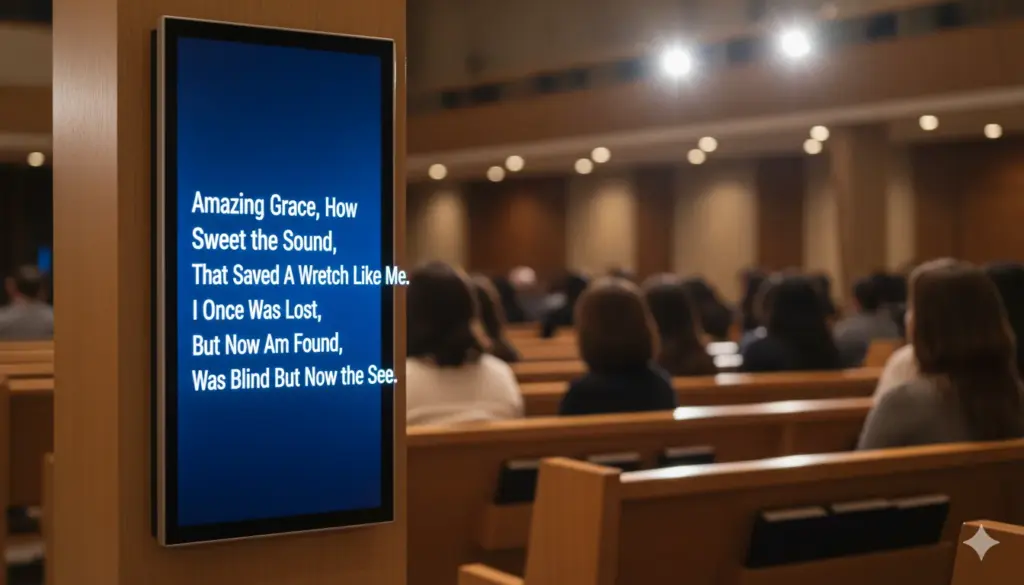
5. Worship lyrics and scripture
Screens near the pews show song lyrics and readings during live services, with a countdown before the service starts.
6. Lobby announcements and giving QR codes
Lobby displays show service times, youth events and a QR code for donations. See digital signage for churches.
Healthcare Digital Signage Examples
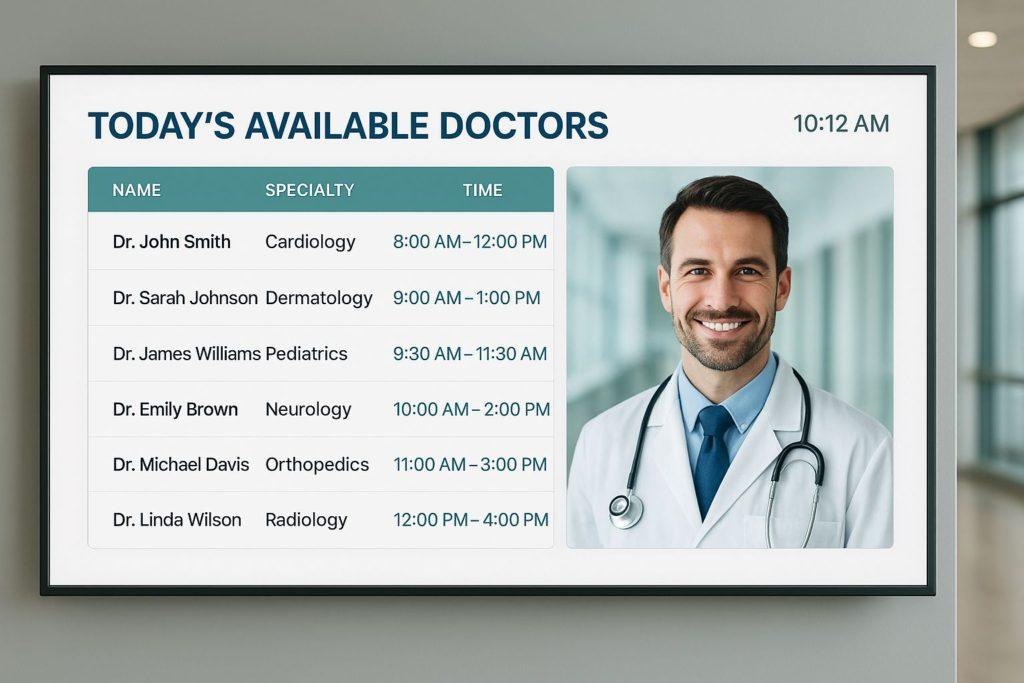
7. Waiting room screens
Clinics and dental practices show health tips, wait times and practice news to calm patients and reduce questions at reception. See digital signage for healthcare.
8. Wayfinding in hospitals
Large maps and directory screens help visitors find departments without asking staff, which is a small mercy for anyone who has ever been sent from the third floor to the basement and back again.
Gym and Fitness Digital Signage Examples
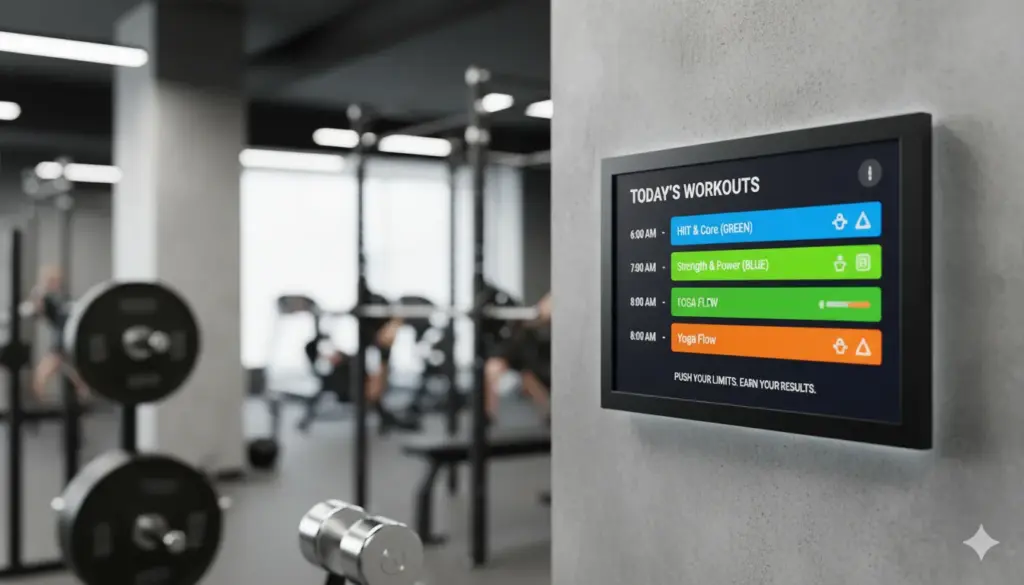
9. Class timetables
Screens at the entrance show today's classes, instructors and free spaces.
10. Workout and motivation displays
Screens on the gym floor loop exercise demos, challenges and member shout-outs. See digital signage for gyms.
School and Education Digital Signage Examples
11. Hallway noticeboards
Schools replace paper noticeboards with screens showing events, lunch menus, achievements and room changes. Compare the best digital signage for schools.
12. Emergency and weather alerts
Screens that can be overridden instantly with closures or alerts keep students and staff informed.
Office and Corporate Digital Signage Examples
13. Dashboards and KPIs
Offices show live sales figures, project dashboards or Google Slides decks on breakroom and reception screens. Learn how to display Google Slides on a TV.
14. Reception welcome screens
A branded welcome screen greets visitors by name and shows Wi-Fi details and company news.
Hotel Digital Signage Examples
15. Lobby event boards and local guides
Hotels show today's events, meeting room schedules, weather and local attractions. See digital signage for hotels.
Bonus Examples You Might Not Have Considered
A few less obvious examples are quietly some of the most effective:
- Car washes and garages. Service menus, wait-time estimates and upsell offers while customers watch through the window.
- Hair salons and barbers. Price lists, style galleries and social media feeds that double as entertainment during a cut.
- Co-working spaces. Meeting room availability, event calendars and member announcements on a single lobby screen.
- Community centres. Class schedules, local notices and emergency information in one rotating loop.
- Estate agents. Property listings in the window that update automatically whenever a house is sold or a price changes.
None of these need expensive hardware. A spare TV, a streaming stick and a signage app will cover almost every example on this list.
Costs of Running These Examples
| Setup | Typical cost range | Notes |
|---|---|---|
| One screen, DIY | Low hundreds (one-off) | TV, wall mount, Fire TV Stick |
| Small multi-screen site | Low to mid hundreds per screen | Add Ethernet or extra mounts |
| Software | Free for first 10 screens with PosterBooking | Paid tiers scale with screen count |
| Professional install | Varies by site | Add for high or outdoor mounts |
Broadly speaking, the screen and the wall mount will always cost more than the software, which is a refreshing change from most technology purchases.
Mistakes That Ruin Good Digital Signage
- Cramming too much text onto one slide. If it needs a magnifying glass, it needs editing.
- Never updating the content. A stale menu board is just an expensive, glowing poster.
- Ignoring sunlight and glare. A gorgeous screen nobody can actually see is not a digital signage example, it is modern art.
- Skipping a schedule. Showing lunch specials at 9pm confuses more than it sells.
- No backup plan for power cuts. Good software restarts the playlist automatically; cheap setups leave you with a black screen and an apologetic shrug.
How to Create Your Own Digital Signage in Minutes
- Pick a screen. Any TV works with a Fire TV Stick, Android box, Windows PC or Raspberry Pi. See our hardware guide.
- Install the PosterBooking app from the downloads page and note the pairing code.
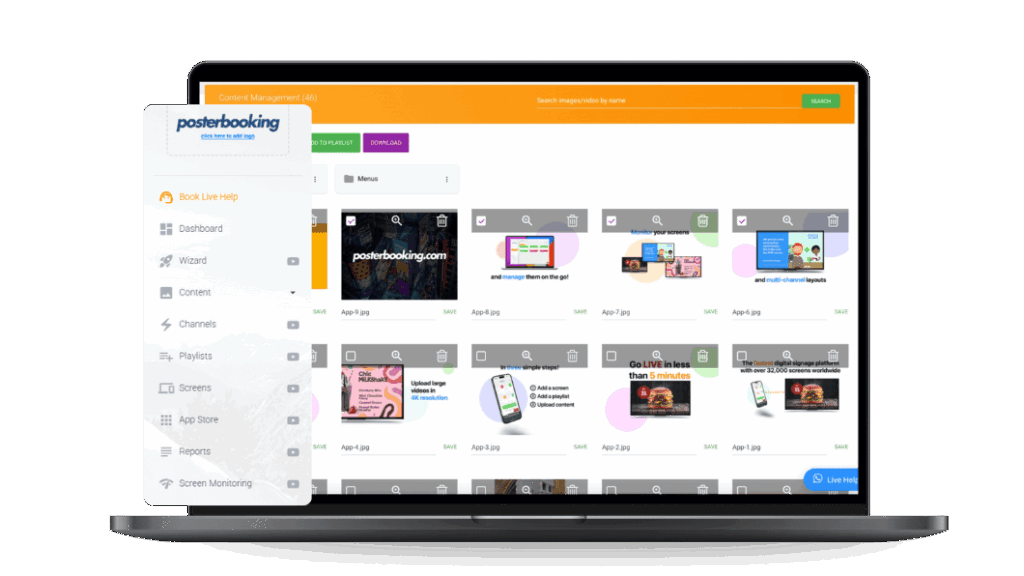
- Upload images, videos, Canva designs or website links in your PosterBooking dashboard.
- Build a playlist and assign it to your screen. Your content loops automatically and starts again after a power cut.
Your first 10 screens are free. Create a free account or follow the interactive setup guide.
Checklist Before You Launch
- Screen mounted at the right height and angle
- Media player connected to Wi-Fi and plugged into a wall socket, not the TV's USB port
- Content sized correctly for landscape or portrait orientation
- A schedule set for different times of day
- A clear call to action on every slide: price, QR code or next step
- Someone responsible for updating content at least monthly
Tick every box and your screen will look like it was designed by a professional studio, rather than assembled in a lunch break, which, let's be honest, it probably was.
Frequently Asked Questions
What is an example of digital signage?
A digital menu board in a restaurant is the most common example of digital signage. Other widely used examples include waiting room screens in clinics, lyric screens in churches, class timetables in gyms and hallway noticeboards in schools. Each uses the same basic idea: a screen showing content that updates remotely instead of printed material.
What are the main types of digital signage?
The main types of digital signage are menu boards, promotional displays, information and announcement screens, wayfinding displays, dashboards and interactive kiosks. Each type suits a different goal, from driving sales with a menu board to guiding visitors with a wayfinding map, and many businesses combine several types across one site.
Can I use a normal TV for digital signage?
Yes, a normal TV can be used for digital signage as long as it has an HDMI port. Plugging in a low-cost player such as a Fire TV Stick and installing a digital signage app turns any consumer TV into a fully managed display, with no need for specialist commercial hardware.
How much does digital signage cost?
Digital signage costs vary from free software with a few hundred dollars in hardware to several thousand for large commercial networks. With PosterBooking, your first 10 screens are free, and paid plans are listed on the digital signage pricing page, so smaller businesses can start without spending anything on software.
Which industries use digital signage the most?
Restaurants, retail stores, healthcare clinics, gyms, schools, churches, hotels and corporate offices use digital signage the most, because each has a constant stream of changing information such as menus, offers, timetables, waiting times or announcements that benefits from instant updates.
Do digital signage examples work without an internet connection?
Most digital signage examples still display content without an active internet connection, because the media player downloads and stores the playlist locally before playing it. An internet connection is only needed to push new updates or check screen status remotely.
What device do I need to run digital signage?
A screen, a media player such as a Fire TV Stick, Android box, Windows PC or Raspberry Pi, and a digital signage app are all you need to run digital signage. PosterBooking supports all of these devices, so you can reuse existing hardware rather than buying a dedicated commercial system.
How often should digital signage content be updated?
Digital signage content should be updated at least weekly, and ideally whenever prices, events or schedules change, to keep the screen feeling current. Businesses that rotate menus by time of day or run seasonal promotions typically update content several times a week using a scheduling feature.
Want to see your own examples here? Create a free account and put your first screen live today.